

How it works
Traditional background replacement is a two-step job: cut the subject out, then composite it onto something else. Both steps are where the work goes, and both are where it goes wrong — a hard edge around the hair, a shadow that points the wrong way, a colour temperature that does not match.
Editara skips the cut-out entirely. The model reads the whole frame at once, works out which pixels belong to your subject, and repaints the rest according to your instruction. Because it never separates the subject onto its own layer, it can keep the original edge intact instead of reconstructing one.
That also means lighting carries across. Ask for a window-lit room and the model tends to warm the side of the face that would be facing the window. It is not physically simulating anything, but the result usually reads as one photograph rather than two stuck together.
Most tools that call themselves an AI background changer ask you to mask the subject first; here you describe the scene and the model repaints everything behind the subject.
What it handles well
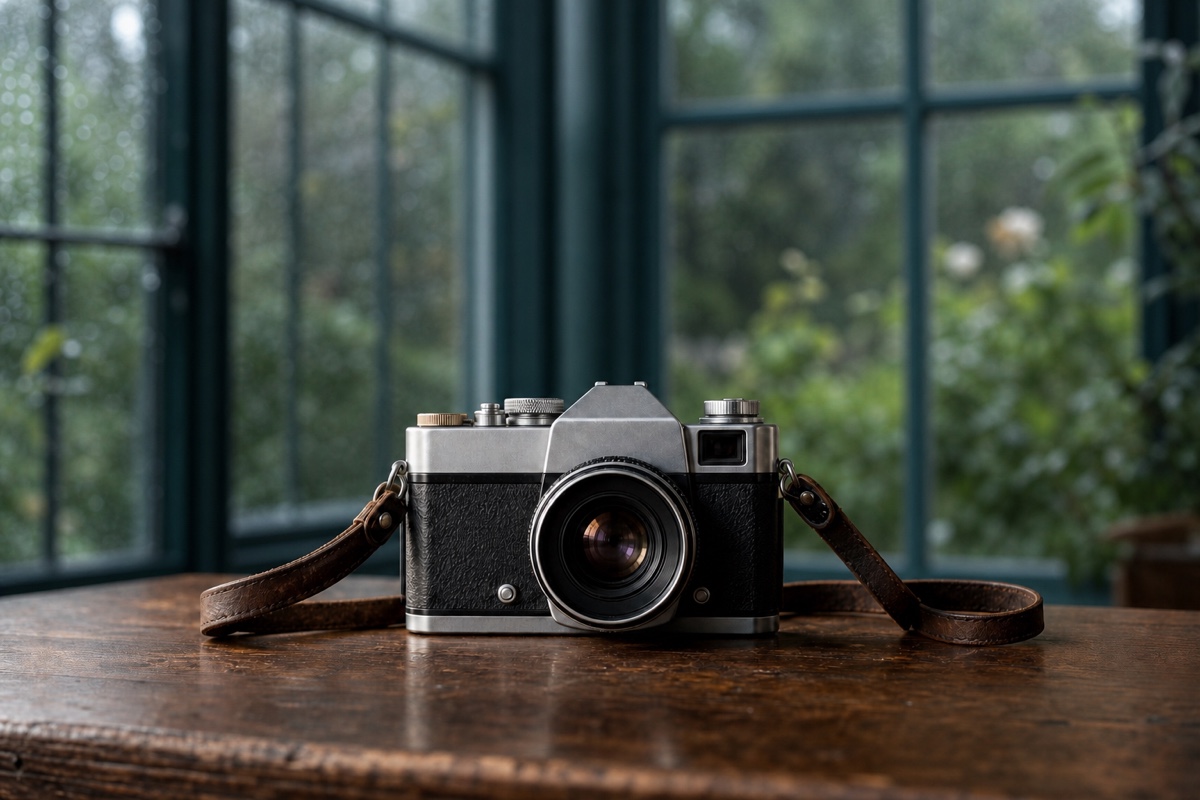
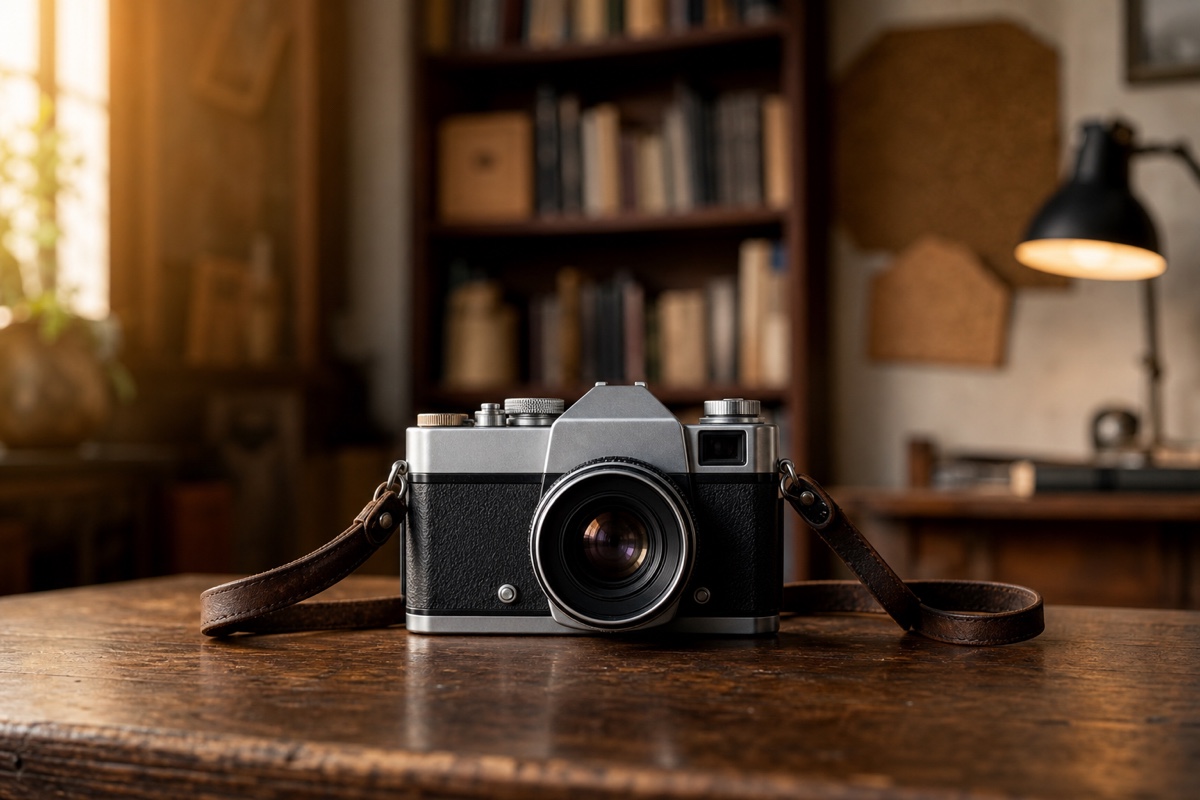
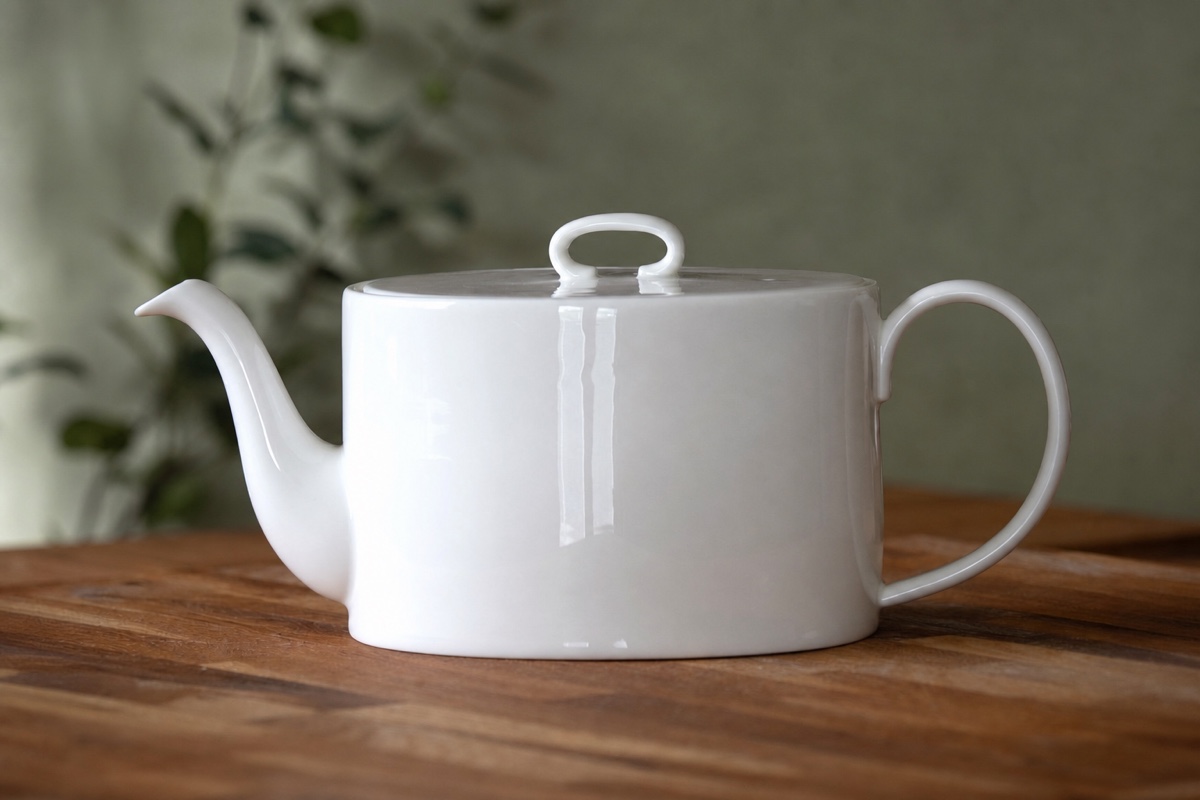
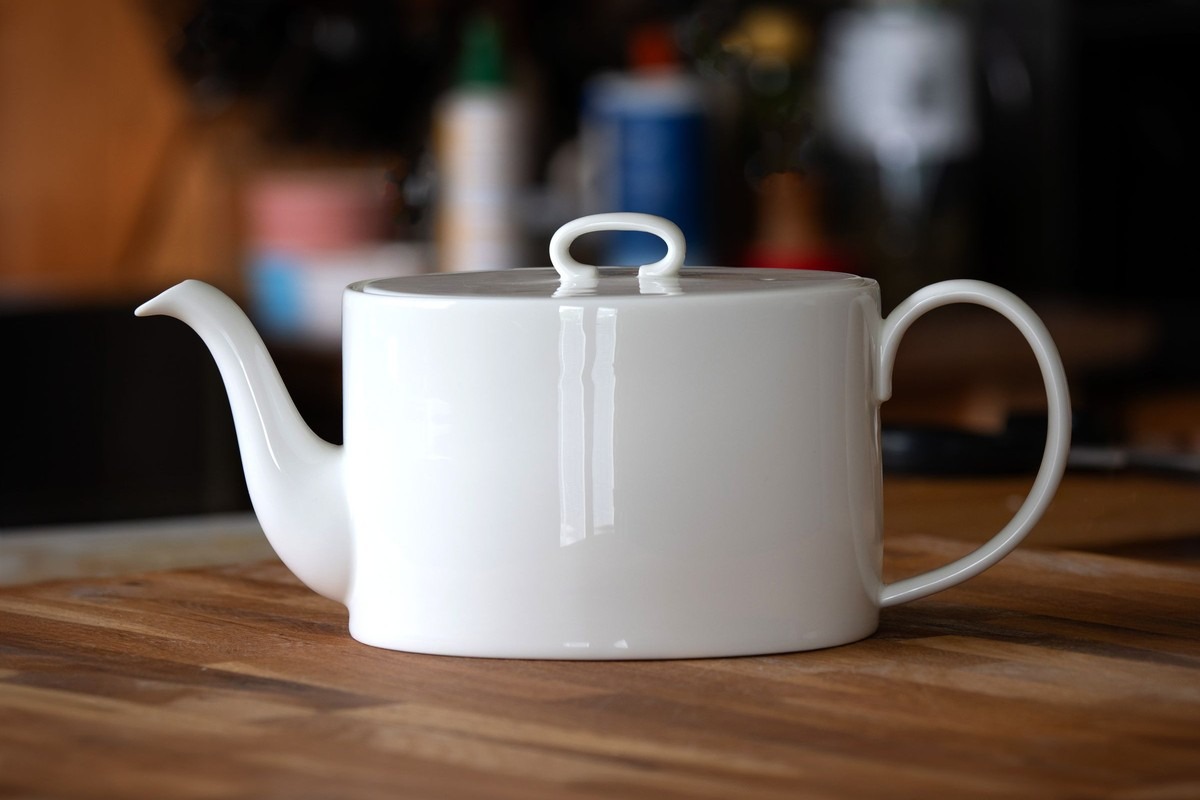
Product shots on a cluttered table are the strongest case. A single object with a clear silhouette, replaced onto a plain studio sweep or a marble surface, comes out clean almost every time.
Portraits against a messy room are the second strongest. Office backgrounds, plain colour walls, blurred outdoor scenes and bookshelves all work. Hair against a plain backdrop is where the no-cut-out approach earns its keep — there is no matte to go wrong.
Interiors and full-body shots work when the new background is described loosely. Asking for a beach behind someone standing on grass is a large change and the model will usually take it, though the ground line under the feet is the part to check.
Getting a clean result every time
Give it a subject with a clear silhouette and a described backdrop, and the result is clean first time. Two things are worth a glance before you use it. Reflective surfaces — a glass bottle, a chrome kettle — can still carry a reflection of the old room, so check those on a product shot.
Very fine detail against a busy new background can soften — chain-link, mesh, thin wire and flyaway hair are the usual candidates. Against a plain background they hold up.
Text in the frame is not reliable. If a sign, label or logo is visible and needs to survive the edit, check it. The model may re-render text as something that looks like text but is not.
Writing an instruction that works
Short and concrete beats long and adjectival. "Replace the background with a plain light grey studio backdrop" gives a more predictable result than a paragraph describing mood and atmosphere.
Name the thing you want, not the thing you do not want. "Remove the messy kitchen" gives the model nothing to put there; "put the subject in front of a white wall" does.
If lighting matters, say it in the same sentence: "a softly lit beige studio background". Splitting the instruction into background and lighting rarely helps, because the model reads it as one prompt either way.
When a result is close but not right, change one thing and run it again rather than rewriting from scratch. The preset on this page is a starting point you can edit before you generate.
Cost, limits and what happens to your photo
Try one 1K Nano Banana 2 Lite photo edit without an account. Sign in to use the rest of your three-image Lite welcome gift. After all three Lite results are complete, receive 40 Nano Banana Pro gift credits for one 1K photo edit on each later UTC day. Daily gifts do not carry over. Creating an account keeps a result link alive for 7 days instead of 1 day.
Uploads are deleted as soon as processing finishes. Results live at a temporary link that expires on its own, and we do not keep a second copy, so download anything you want to keep.
The upload limit is 10 MB, which covers essentially every phone photo. JPG, PNG and WebP are accepted. Commercial use is covered from Pro up; free results are for personal use.
Questions people ask
Do I need to cut out the subject first?
No. There is no selection step at all. Upload the photo, describe the background you want, and the subject is preserved automatically.
Will the edges around hair look cut out?
Usually not, because nothing is ever cut out. The whole frame is repainted at once, so there is no matte edge to go wrong. Against a busy new background very fine flyaway strands can soften.
Can I put myself somewhere specific, like a named city?
You can describe a place and get something plausible in that style, but it will be an invented scene rather than a real location. Treat it as a backdrop, not as evidence of having been there.
Is there a watermark on the result?
No. Edits of a photo you uploaded are never watermarked, on any tier, including the free one.
What happens to the photo I upload?
It is deleted the moment processing finishes. The result sits at a temporary link that expires by itself, and no second copy is kept.