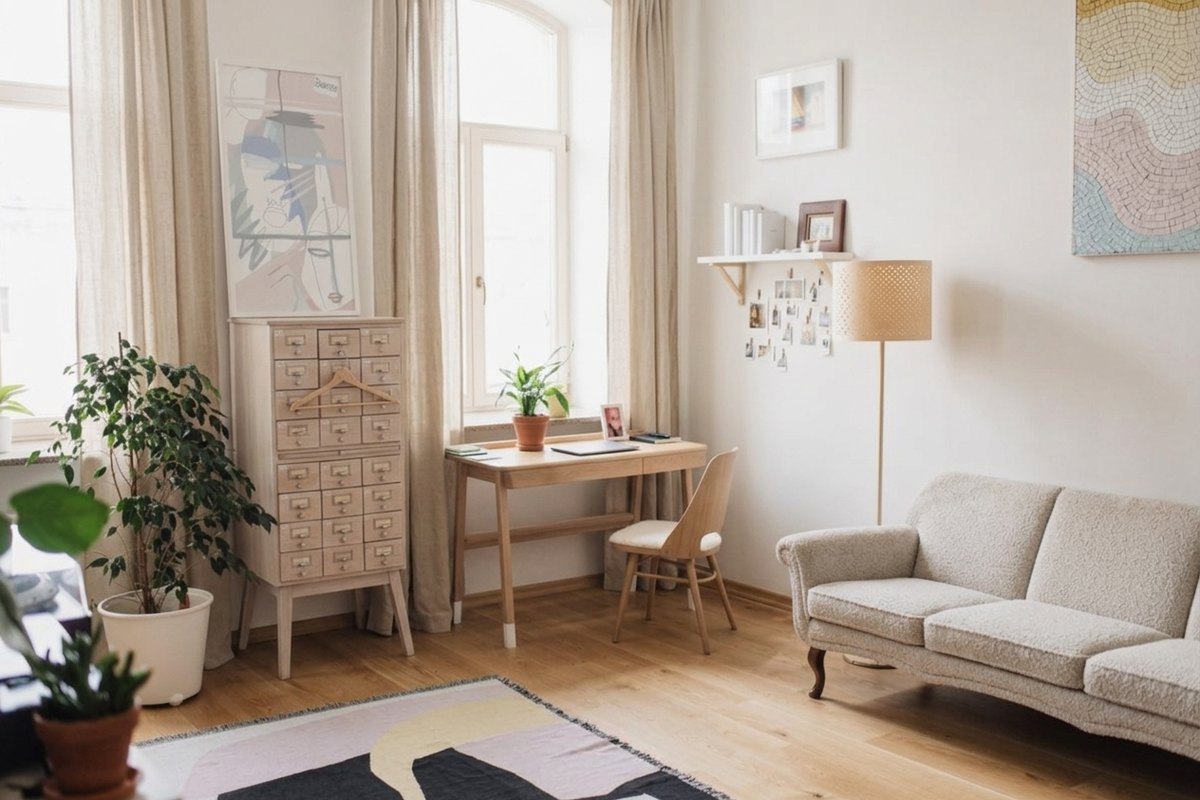
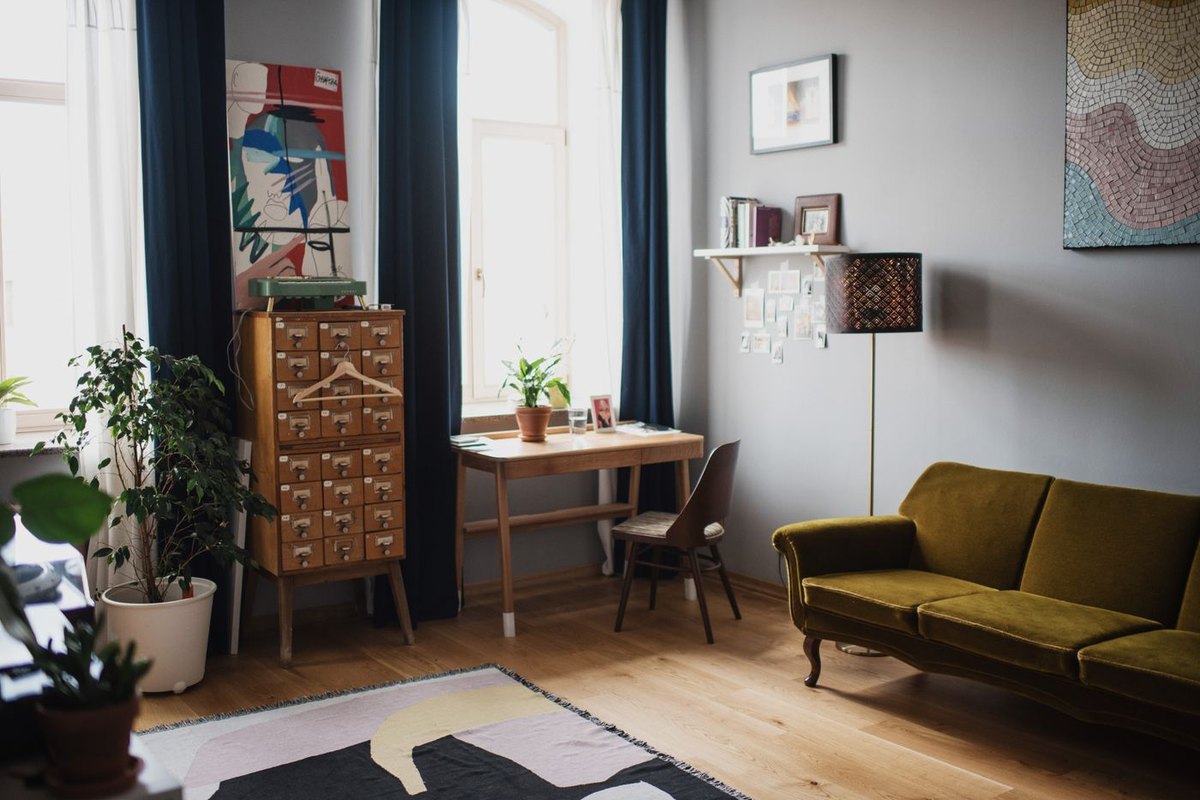
What image to image actually does
Two things get called image generation and they behave nothing alike. One starts from a sentence and invents everything in the frame. The other starts from your photograph and changes it. This page is the second kind, which is why the upload box comes before the instruction field.
The difference that matters is control. A model working from a description has to guess the pose, the light, the room and the face. A model working from your frame already has all four and only has to decide what the change looks like, which is why these results come back recognisable — and why the ones that do not are almost always the ones where the instruction asked for more than a change.
There is no masking step anywhere in it. You do not select the subject, draw around anything, or split the picture into layers. The whole frame goes to the model with one sentence attached, and the whole frame comes back — which is what any image to image generator is doing underneath, whatever the interface wrapped around it looks like.
All of it runs in the same free AI photo editor the rest of this site is built around — same models, same credits, same deletion rule. What differs on this page is only where you start: from a photograph, rather than from a description.
Product shots that need a different setting
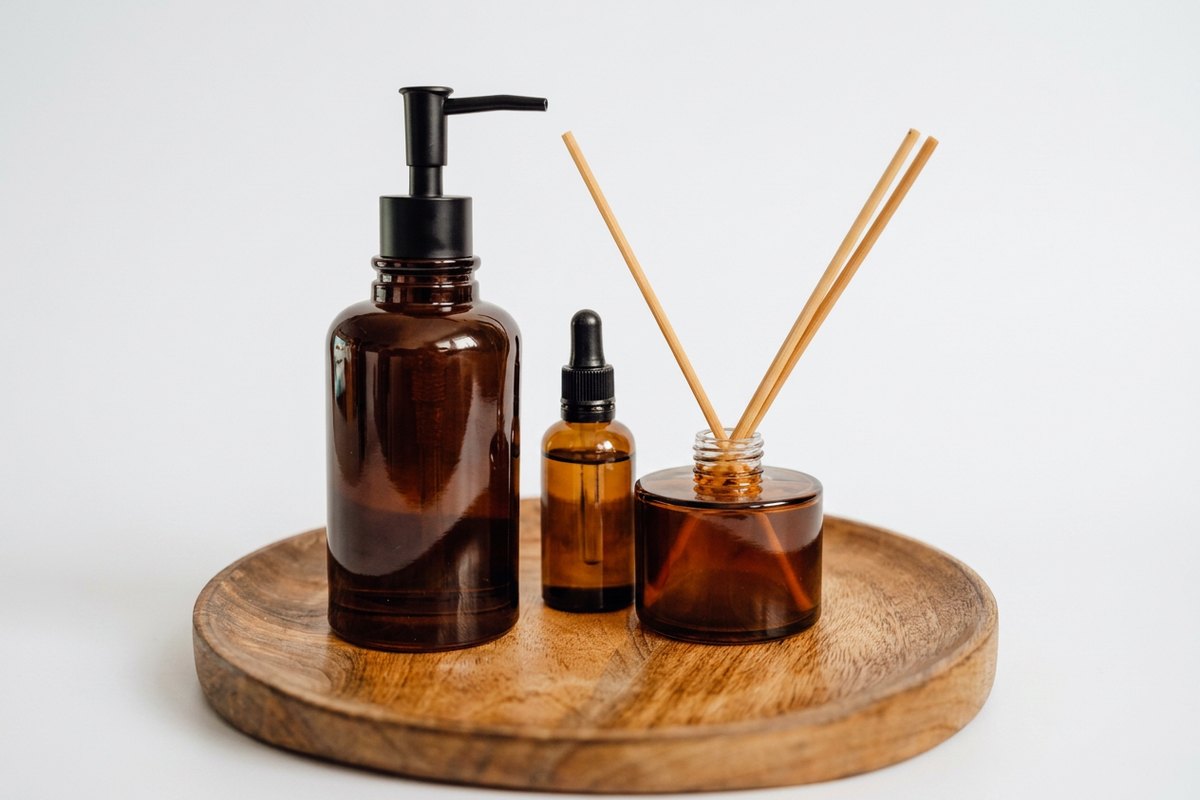
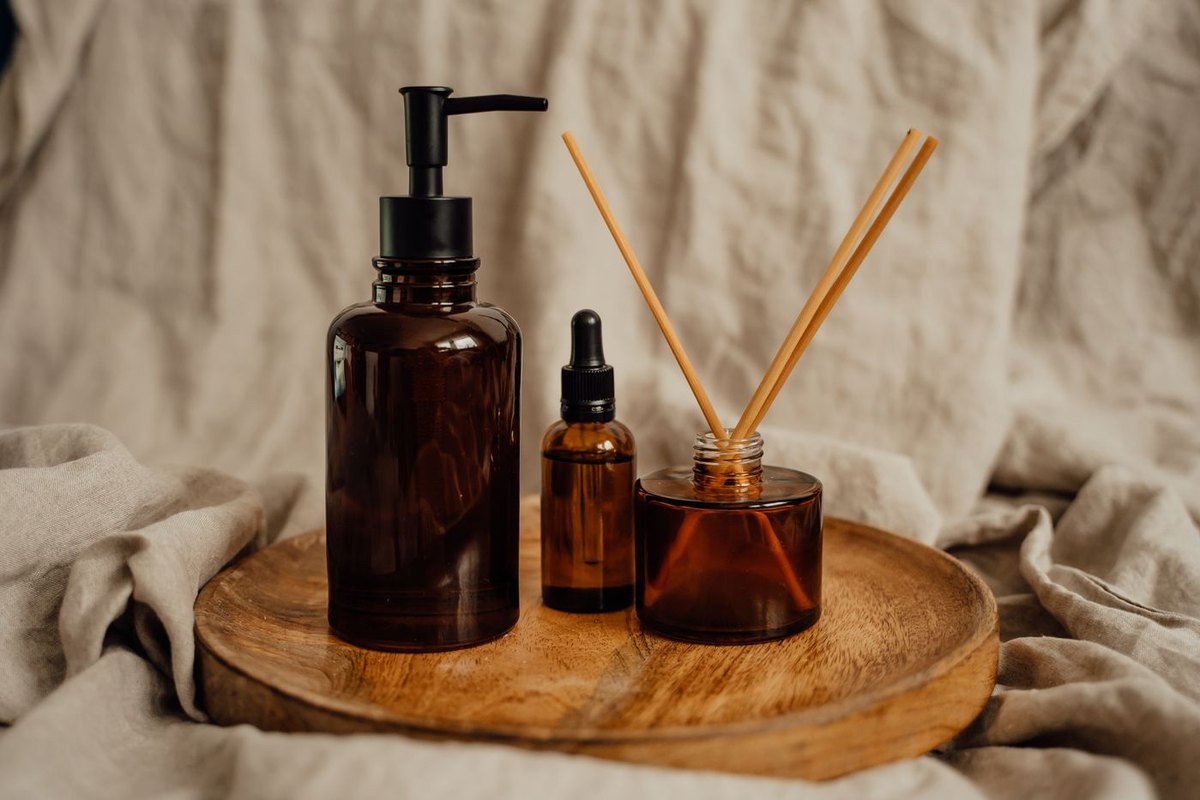
The commonest job here by a distance is a product photographed on whatever surface was to hand — a kitchen counter, a desk, an unmade bed — that has to look as though it were shot somewhere deliberate. Name the surface and the light, and the object stays exactly where it is while everything behind and beneath it is repainted.
It holds up because a single object with a clear outline is the easy case. The silhouette is unambiguous, there is no face for a small error to land on, and one result serves a marketplace listing, a shop page, a slide and a printed sheet without further work.
Two things are worth a look before you use one. Reflective surfaces — glass, chrome, a polished lid — can still carry a reflection of the room you actually shot in, and the model does not always clean it up. And any writing on a label may come back re-rendered as letter shapes that spell nothing, so read it at full size rather than in a thumbnail.
Portraits, headshots and profile pictures
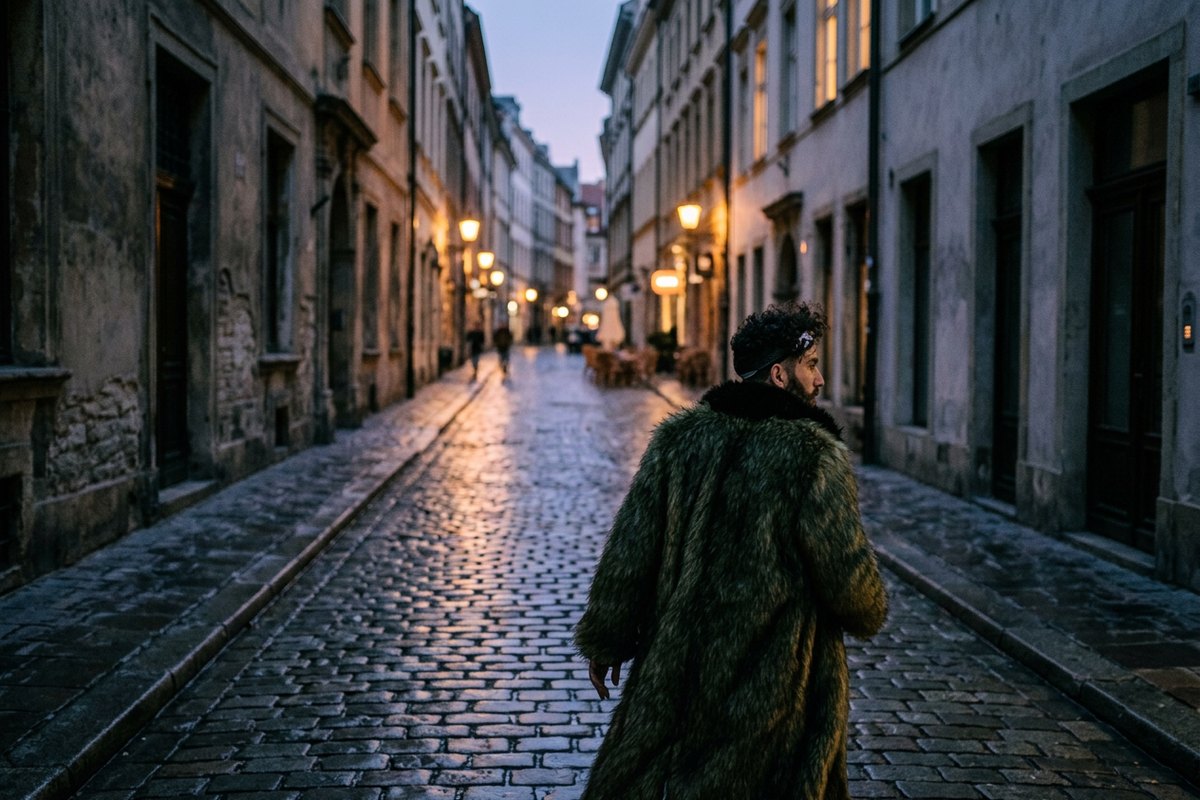
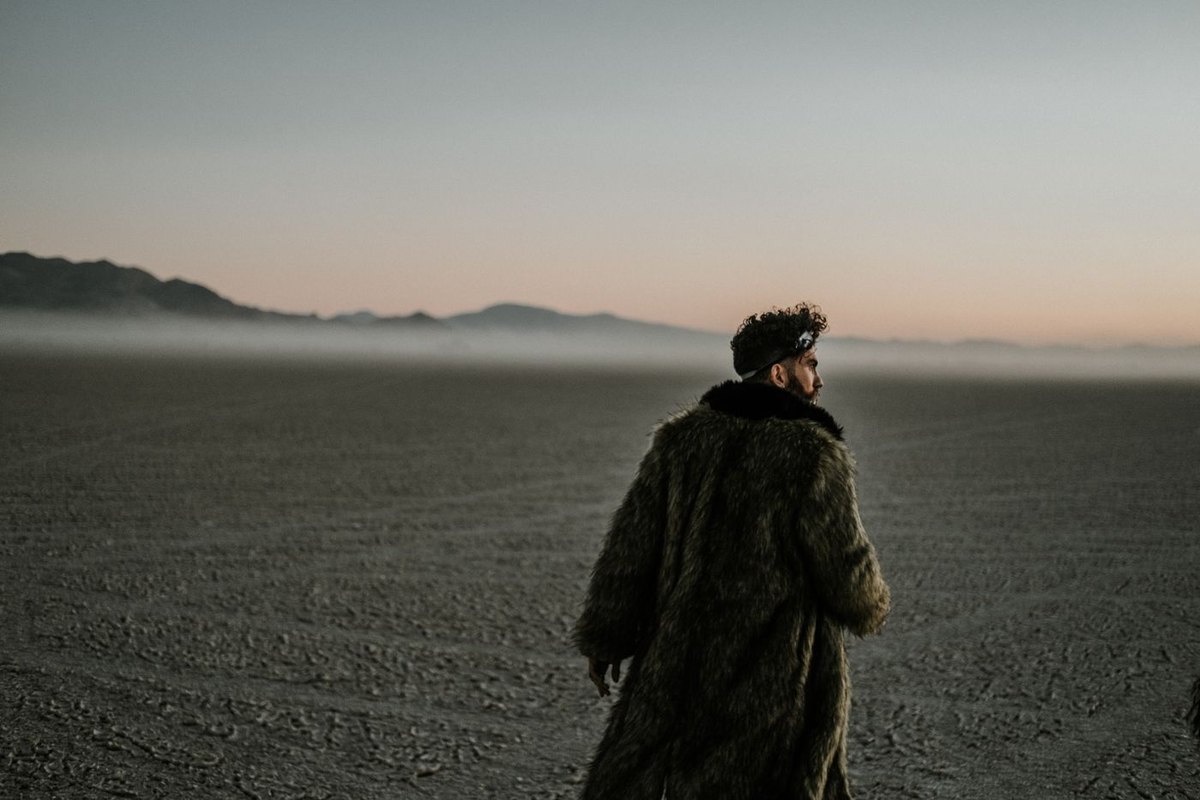
A photograph of somebody against a cluttered room becomes the same photograph against a plain wall, an office, or a blurred outdoor scene. Because nothing is ever cut out, hair keeps its own edge instead of acquiring the halo a cut-out leaves behind — the flyaway strands that defeat a selection tool are simply repainted along with everything else.
Clothing is the other half of this. A jacket in a different colour, a shirt swapped for a jumper, a tie removed: all of those generally land. A different body, a different age or a different face does not land, and should not be trusted on the occasions when it appears to.
The check worth doing on every portrait is the face at full size, against the original, with the slider on the result. A change big enough to make the model redraw a face can hand back somebody who is recognisably not the person you uploaded, and that is easy to miss small and unpleasant to notice later.
Turning a photograph into a different style
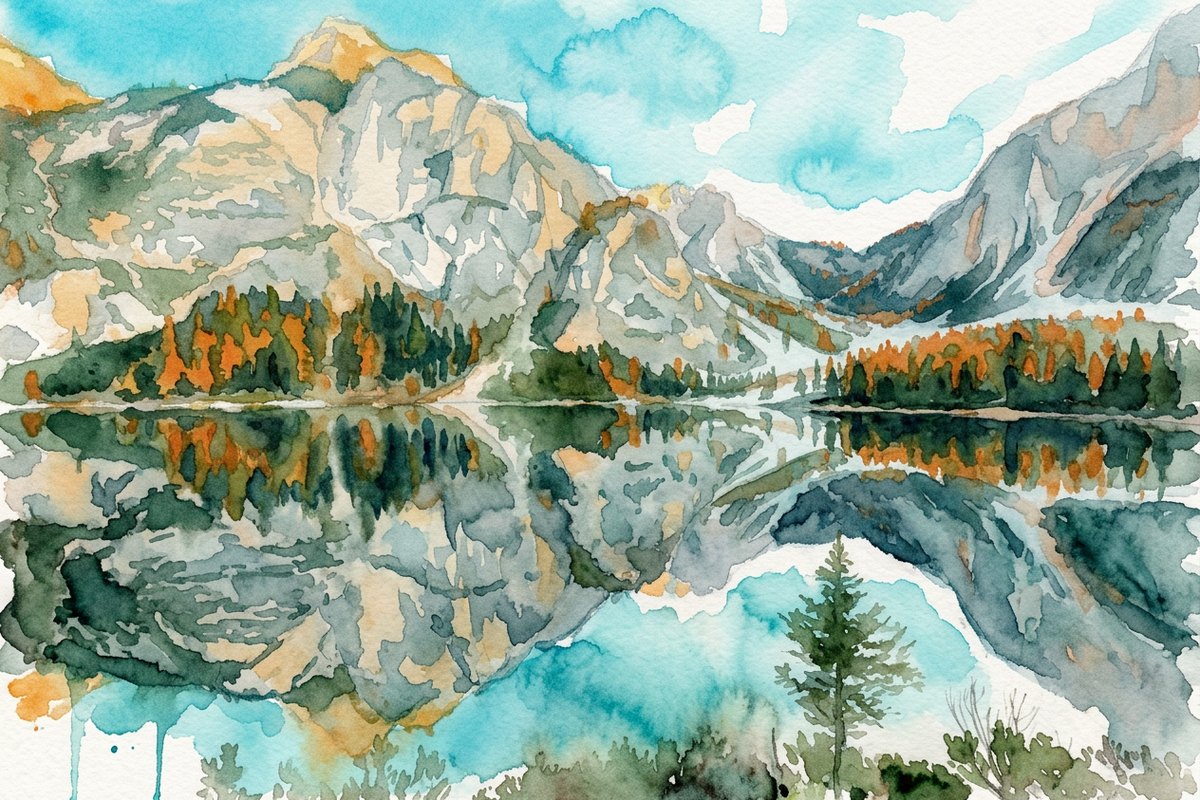
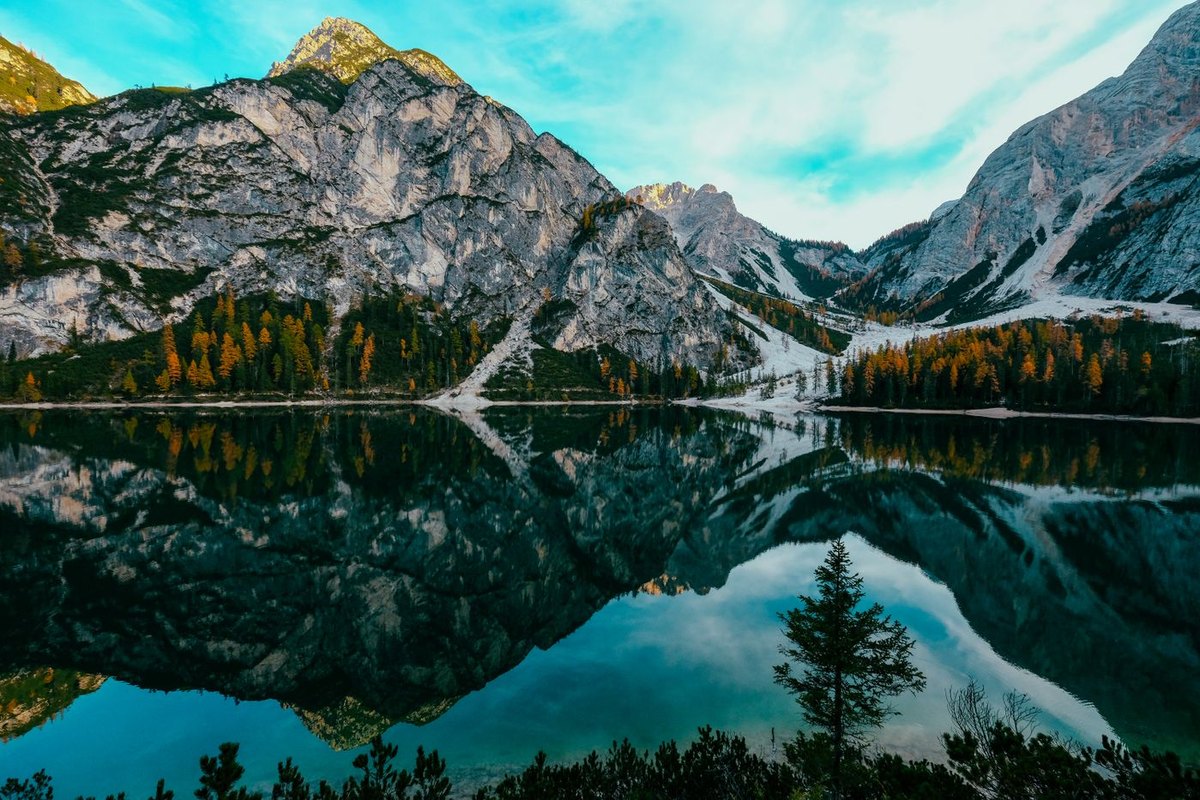
Style is the request people arrive with most often and understand least. A watercolour, a pencil sketch, something that looks like film stock from the seventies — all of these work, in the sense that what comes back is a competent picture in that style with your composition and your subject.
What they are not is a filter. The model is redrawing the picture rather than processing it, so detail moves. A face rendered in a heavy style is a stylised face rather than your face stylised, and small objects in the background can quietly become different small objects.
So the rule of thumb splits by what is at stake. Where the identity of the subject matters — a portrait for a card, a pet, a house somebody will recognise — ask for a mild style and compare against the original before you keep it. Where it does not — a background, a texture, something abstract behind a headline — ask for whatever you like, because there is nothing in the frame to lose.
Writing an instruction that gets what you meant
Name the thing you want, not the thing you dislike. "Remove the mess" leaves the model to decide what should be there instead, and it will decide something; "put the vase on a plain grey surface" does not leave it open.
One change reads better than four. An instruction asking for a new background, a new jacket, brighter light and a wider frame gives the model four chances to disagree with you, and the result will not tell you which of the four went wrong. Run them as separate passes if you need all four.
Put the light in the same sentence as the scene when the light matters — "a softly lit beige studio background" rather than one sentence about the background and another about the lighting. The model reads it as a single prompt either way, and splitting it only makes the two halves easier to contradict.
When a result is close but not right, change one phrase and run it again rather than starting from scratch. The instruction that produced something nearly right is worth more than a fresh description, and small edits to wording move the output more predictably than a rewrite does.
Where it goes wrong, plainly
Text is the reliable failure. Signs, labels, book covers, number plates, anything written inside the frame may come back as convincing letter shapes that spell nothing at all. If writing has to survive the change, check it every time.
Repeating structure is the second. Tiled floors, window grids, brickwork, railings and fence posts have a rhythm, and the model can lose count of it — spacing drifts, a row fails to line up, a window comes back as half a window.
Hands, jewellery and the small hardware of clothing — buckles, zips, the hinge of a pair of glasses — are where a redraw shows first. So is anything cut by the original frame, which gets completed by invention rather than left cut, so half a person at the edge becomes a whole invented person.
And the honest ceiling on all of it: this changes a picture, it does not recover information the picture never contained. Detail that is not in your file cannot be brought back by asking for it, only invented, and an invented detail that looks like a real one is the failure mode to watch for rather than the feature to enjoy.
Cost, limits and what happens to your picture
Try one 1K Nano Banana 2 Lite photo edit without an account. Sign in to use the rest of your three-image Lite welcome gift. After all three Lite results are complete, receive 40 Nano Banana Pro gift credits for one 1K photo edit on each later UTC day. Daily gifts do not carry over.
Nothing made from a picture you uploaded is watermarked, on any tier, including anonymous use. Commercial use — a listing, a client job, anything that earns — is covered from Pro up; free results are for personal use.
Your upload is deleted the moment processing finishes. The result sits at a temporary link that expires on its own — 1 day anonymously, 7 days with a free account — and no second copy is kept anywhere, so download what you want to keep. Uploads are capped at 10 MB, in JPG, PNG or WebP.
Questions people ask
What does image to image mean?
That the picture you upload is the input rather than a reference. The model reads your whole frame, applies the change you described, and returns the same scene altered — as opposed to inventing a new picture from a sentence.
Do I have to select or mask the subject first?
No. There is no selection step at all, and no layers. Upload the photograph, write one sentence about what should change, and the rest of the frame is preserved automatically.
Will the person still look like themselves?
For a background or clothing change, yes — the face is left alone. For a large change, or a heavy style, the model redraws the face and can hand back somebody subtly different. Compare against your original at full size before keeping it.
Can I change the style of a photo?
Yes, and the result is usually a good picture in that style. It is a redraw rather than a filter, so fine detail moves. Ask for a mild style where the subject has to stay recognisable.
Why did the writing in my picture come out as nonsense?
Because text is generated rather than copied. The model produces something with the shape and rhythm of writing without reproducing the characters. It is the single most common thing to check, and the reason to view a result full size.
Is there a watermark on the result?
No. Anything made from a picture you uploaded comes back unmarked on every tier, including anonymous free use.
How many free runs do I get?
Try one 1K Nano Banana 2 Lite photo edit without an account. Sign in to use the rest of your three-image Lite welcome gift. After all three Lite results are complete, receive 40 Nano Banana Pro gift credits for one 1K photo edit on each later UTC day. Daily gifts do not carry over.
Can I use the result for a product listing?
Yes, with the licence that fits: commercial rights come with Pro and above, and free results are for personal use. Plain white is the backdrop most marketplaces prefer, so it is worth naming in the instruction.
What happens to the file I upload?
It is deleted as soon as processing finishes. The result lives at a temporary link that expires by itself — 1 day anonymously, 7 days with a free account — and no second copy is kept.
Can it make a picture without any photo at all?
That is the other kind of generation, from a written description with no input picture, and it has a page of its own on this site. This page is for changing something you already have.