



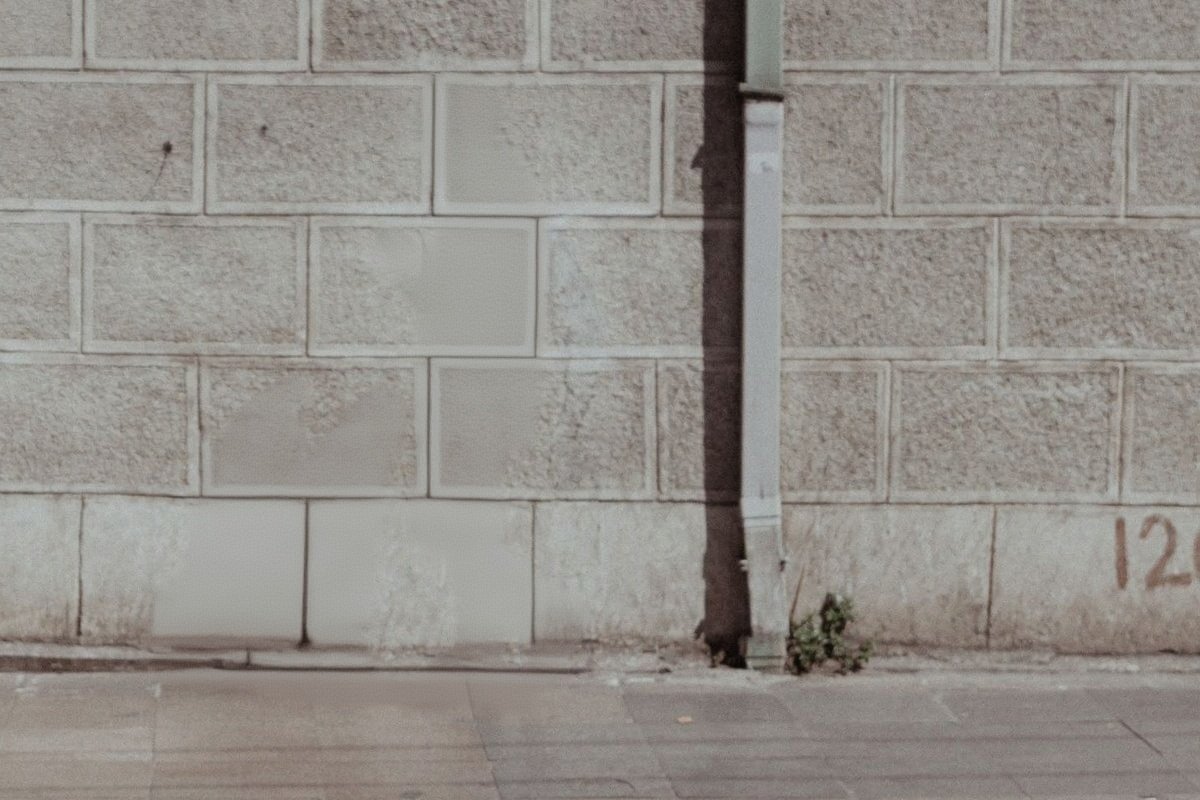
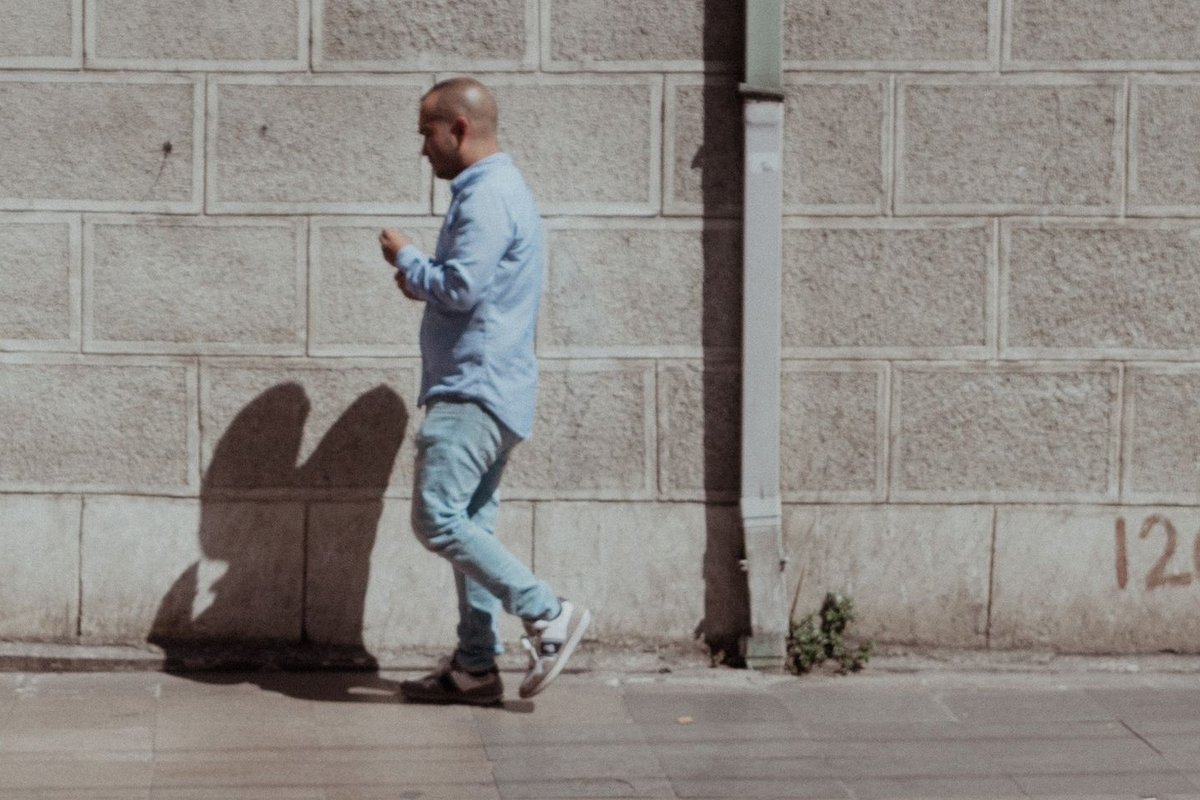
How the gap gets filled
Removal is really two jobs. The first is working out which pixels are the person, which the model does from the whole frame rather than from a selection you draw. The second is inventing what was behind them, which is genuinely invention — that information was never in the photograph.
How well the second job goes depends almost entirely on what surrounds the gap. If the person is standing against sand, sky, grass, water or a plain wall, there is a clear pattern to continue and the fill is undetectable.
If they are standing in front of something structured — a shopfront, a row of columns, a sign, another person — the model has to reconstruct that structure from partial evidence, and this is where a removal becomes visible on close inspection.
Saying which person
With more than one person in frame, be specific about position and appearance: "remove the man in the red jacket on the left", not "remove the person".
Position is the most reliable identifier. Left, right, background, foreground and behind the subject all work well. Clothing colour is the second most reliable.
If two people overlap, removing the one in front means the model invents the part of the other person that was hidden. Check that the remaining person still has the right number of limbs and a plausible outline.
Getting a complete removal
Shadows are the classic tell. A person is removed but the shadow they cast stays on the ground, which reads as wrong immediately even to someone who does not know why. If a strong shadow is present, name it: "remove the man on the left and his shadow".
Reflections behave the same way in a window, a puddle or a polished floor. Same fix — mention it in the instruction.
Contact points are the third thing to check. Where someone was holding a railing, leaning on a wall or sitting on a bench, the model sometimes leaves a fragment of hand or a dent in the cushion.
The photos this was built for
The stranger who walked through the frame at the exact moment you pressed the shutter. The tour group behind the one good photo of the two of you. The person on the next sunlounger in an otherwise perfect holiday shot.
These are the cases the model handles best, because the unwanted person is usually somewhere with simple surroundings — sand, sea, sky, pavement, a plain wall — and the space they occupied has an obvious pattern to continue.
Group photos where someone stepped away, event photos with a stray staff member in shot, and property photos with a passer-by at the edge all work the same way. Describe who should go, check the shadow, and download.
What the site will not process is set out in the terms, and it is a short list — the ordinary business of taking someone out of your own holiday photo is not on it.
It works on objects too
The same instruction pattern removes anything, not only people. Bins, parked cars, road signs, power lines, scaffolding, a stray hand at the edge of frame, a date stamp burned into the corner by an old camera.
Objects are usually easier than people, because they tend to sit against simpler surroundings and they cast simpler shadows. Power lines against sky are close to a perfect case: thin, high contrast, and surrounded by a texture that continues trivially.
The one class that stays difficult is anything overlapping the main subject. A pole passing behind someone can be removed cleanly; a strap crossing their body means the model has to invent the part of them the strap was covering, and clothing patterns rarely line up across the gap.
For several unwanted things in one photo, name them together in a single instruction rather than running several passes. Each pass re-renders the whole image, so three sequential removals accumulate three rounds of drift, while one instruction naming three objects does not.
Cost, limits and privacy
Try one 1K Nano Banana 2 Lite photo edit without an account. Sign in to use the rest of your three-image Lite welcome gift. After all three Lite results are complete, receive 40 Nano Banana Pro gift credits for one 1K photo edit on each later UTC day. Daily gifts do not carry over.
The upload is deleted once processing finishes and the result link expires by itself. Up to 10 MB, in JPG, PNG or WebP.
Questions people ask
Why is there still a shadow where the person was?
Because the instruction named the person and not the shadow. Say "remove the man on the left and his shadow". The same applies to reflections in windows, puddles and polished floors.
How do I say which person to remove?
Use position first and clothing colour second: "remove the man in the red jacket on the left". Position is the most reliable identifier the model responds to.
Will the fill look obvious?
Against sand, sky, grass, water or a plain wall, no. In front of structured detail like a shopfront, a sign or a row of columns, the reconstruction can be visible on close inspection.
Can I remove someone standing in front of another person?
Yes, but the hidden part of the person behind is invented rather than recovered. Check the remaining person has a plausible outline and the expected number of limbs.