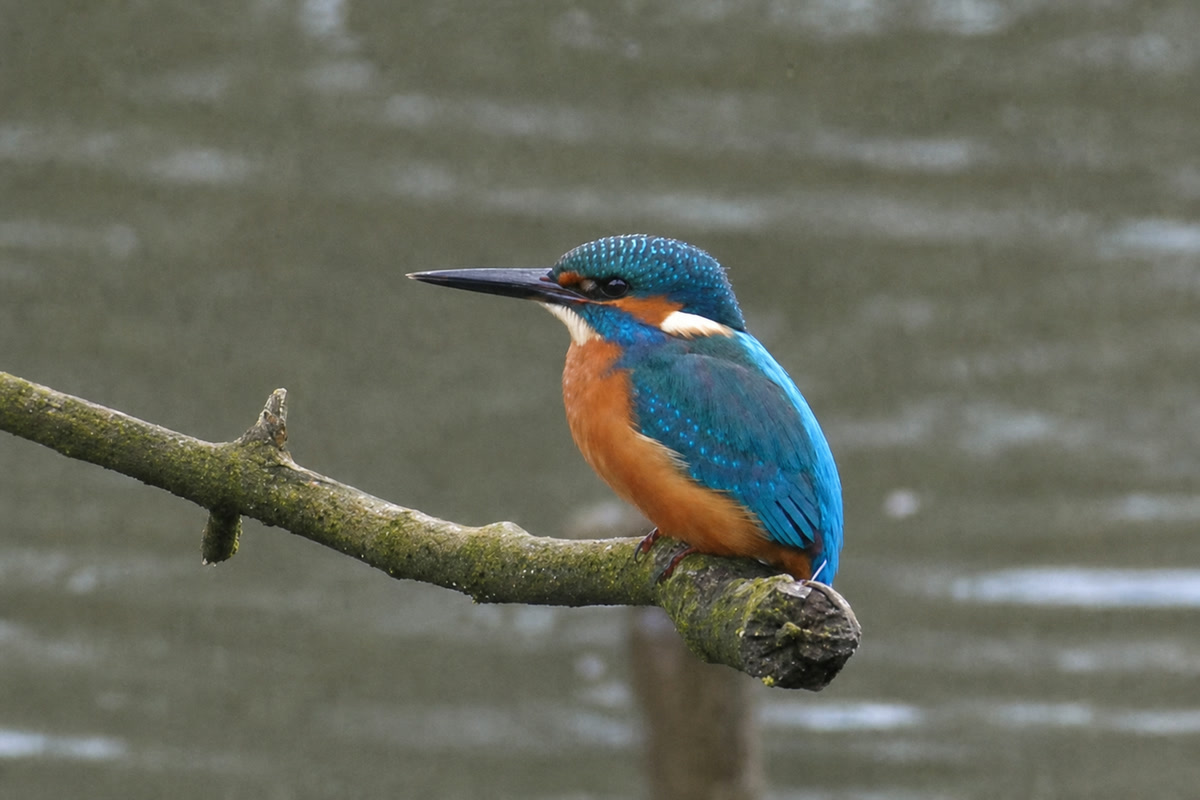
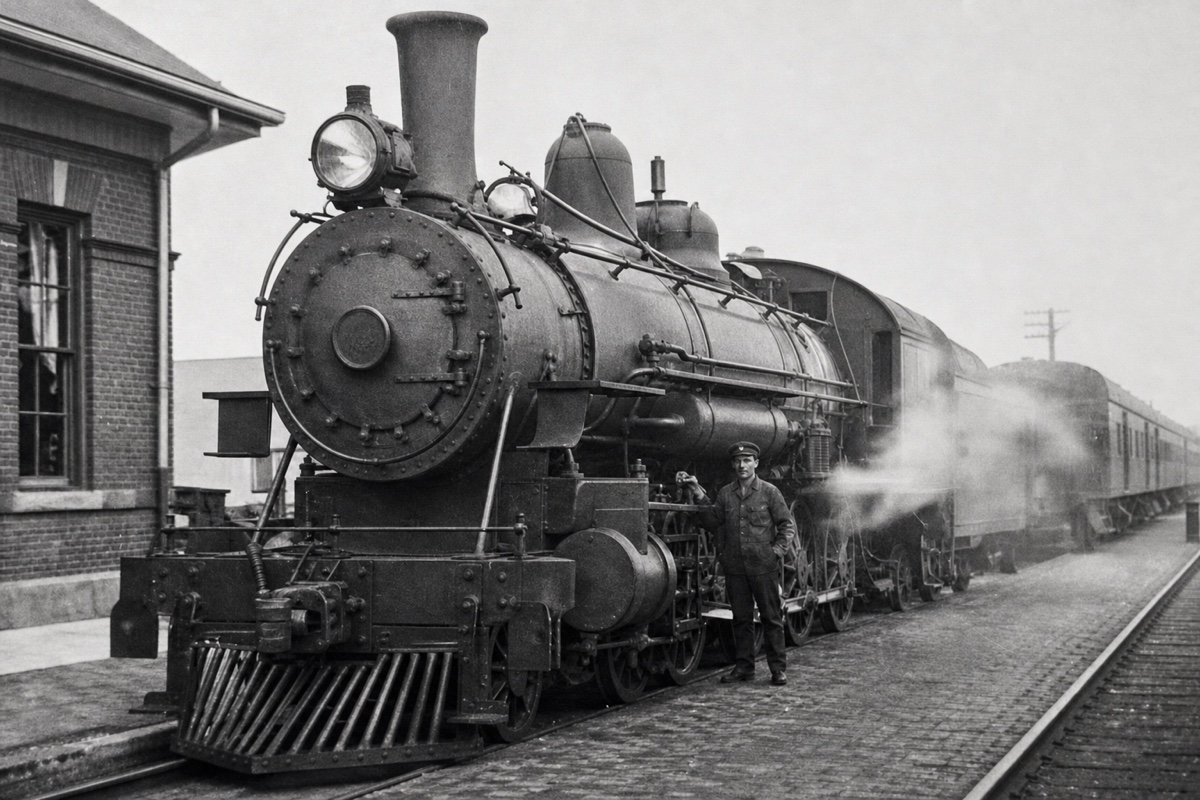
How the extra detail is produced
Worth knowing so you can judge a result quickly: a small image does not contain a large one. Upscaling produces detail consistent with what the small version implies, rather than uncovering detail that was hidden in it.
For texture this is essentially always fine. Fabric weave, brick, foliage, skin pores and hair at normal viewing distance come back convincing, because any plausible version of that texture is as good as any other.
For anything specific it is not fine, and this is the part people get caught by. Faces at small sizes, licence plates, house numbers, text on signs and logos are all cases where the model produces something that looks right and is not. An upscaled face can be subtly a different face.
This is what an AI image upscaler does: the same job as the enlarge dialog, done by generation instead of stretching — an upscaler that redraws detail rather than inflating pixels.
When upscaling is the right tool
An old phone photo that needs to be printed. A profile picture that a service wants at a size larger than you have. A scanned print that came out small. An image saved from a messaging app at reduced size where the original is gone.
In each of these the source is small but otherwise fine, which is the ideal case: the model has good information to extrapolate from.
It is not the right tool for an image that is small and also damaged, dark or compressed. Fix those first — enhancement and restoration are separate steps, linked below — then upscale the corrected version. Upscaling a flawed image enlarges the flaws along with everything else.
Getting the best enlargement
Look at faces at full size rather than in a thumbnail. It is the one check worth doing every time, and the slider on the result makes it a two-second comparison against your original.
Do not upscale twice. Each pass extrapolates from the previous pass rather than from the original, and errors compound into that oversharpened, waxy, slightly hallucinated look.
Do not upscale anything that needs to be evidence. An upscaled photo is partly a generated photo, and for any purpose where accuracy is the point — identification, documentation, a record someone will rely on — the small original is the honest artefact.
How much enlargement is believable
The useful mental model is that a modest enlargement is mostly interpolation with some invention, and a large enlargement is mostly invention. Doubling the dimensions of a reasonable photo is routine and holds up under inspection. Going far beyond that is where the output starts to look like an illustration of the photo rather than the photo.
What the source contains matters more than the multiplier, though. A sharp, well-exposed small photo tolerates far more enlargement than a soft one of the same size, because the model has clean information to extrapolate from rather than ambiguity to resolve by guessing.
For print, work backwards from the physical size instead of chasing a pixel count. A photo that only needs to be a postcard needs far less than one going on a wall, and asking for more than the destination requires only adds invented detail nobody will see.
If the result looks slightly unreal at full size but fine at the size you will actually use it, use it at that size. Judging an upscale at 100 percent when it will be displayed at a quarter of that is a way to reject results that were perfectly adequate.
Cost, limits and privacy
Try one 1K Nano Banana 2 Lite photo edit without an account. Sign in to use the rest of your three-image Lite welcome gift. After all three Lite results are complete, receive 40 Nano Banana Pro gift credits for one 1K photo edit on each later UTC day. Daily gifts do not carry over.
Uploads are deleted after processing and result links expire on their own, so download what you want to keep. Up to 10 MB in JPG, PNG or WebP.
Questions people ask
Does upscaling recover the original detail?
No. It generates detail consistent with the small version. On texture that is indistinguishable from real detail; on faces, text, plates and logos it can look right while being wrong.
Can I read the text on a sign after upscaling?
You may see text-shaped detail, but it is generated rather than recovered and should not be trusted. The same applies to licence plates and house numbers.
Should I upscale a dark or blurry photo?
Fix it first, then upscale. Upscaling enlarges flaws along with everything else, so enhance or restore the image and upscale the corrected version.
Can I upscale twice for a bigger result?
It is the fastest route to an over-processed look, because each pass extrapolates from the last rather than from your original. One pass gives the more believable result.
How large can the result be?
Judge it by the destination rather than by a pixel target. A modest enlargement of a sharp source holds up under inspection; asking for far more than the final display size only adds invented detail that nobody will ever look at.