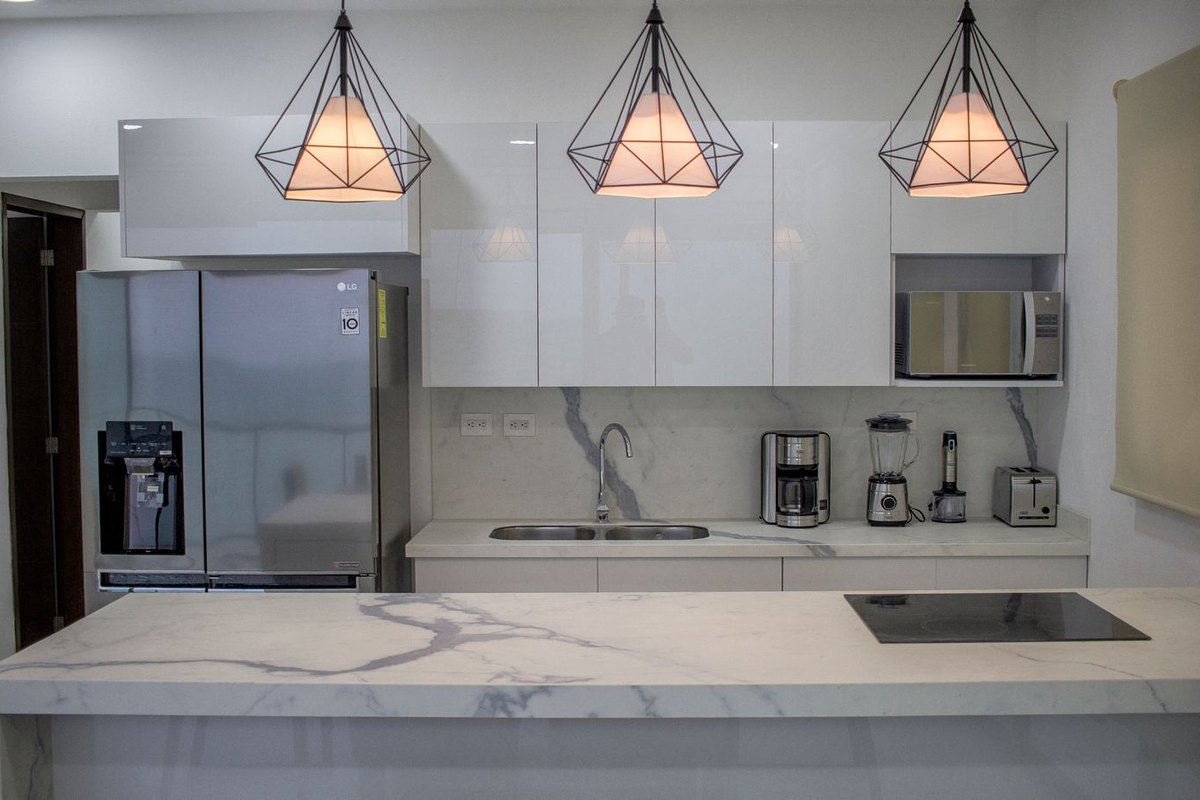
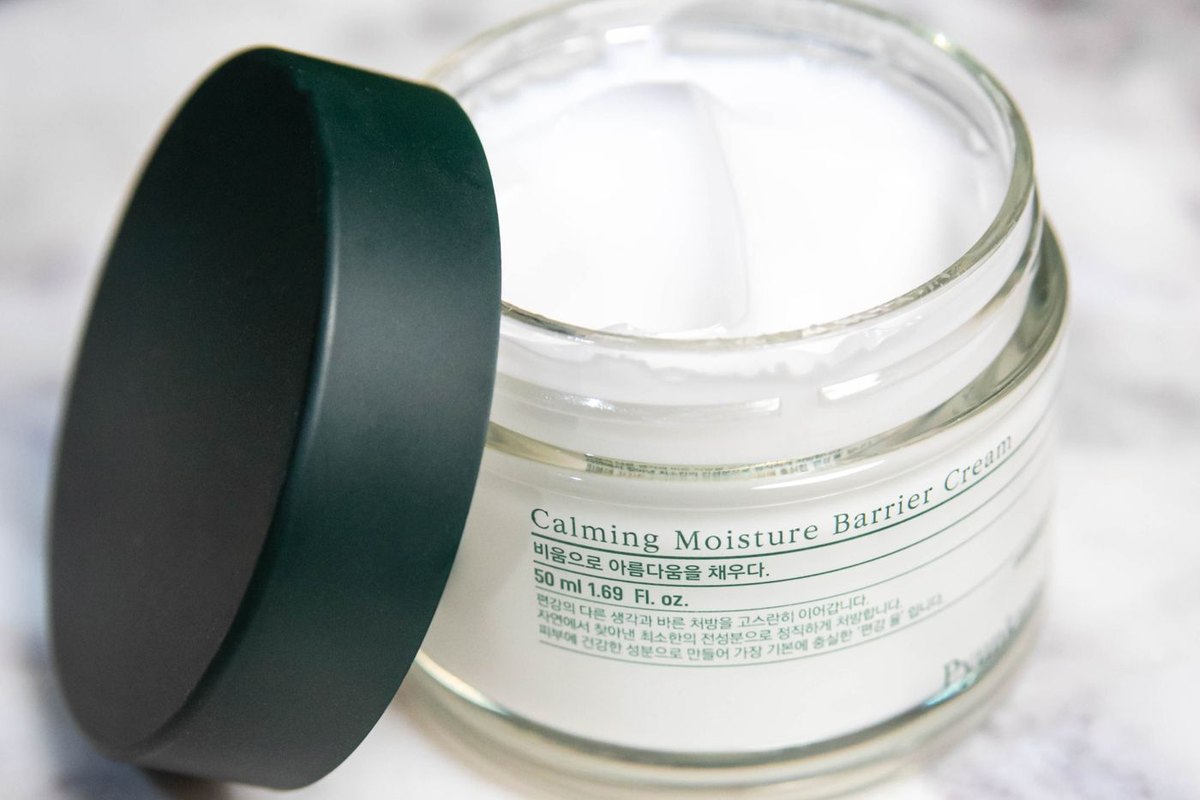
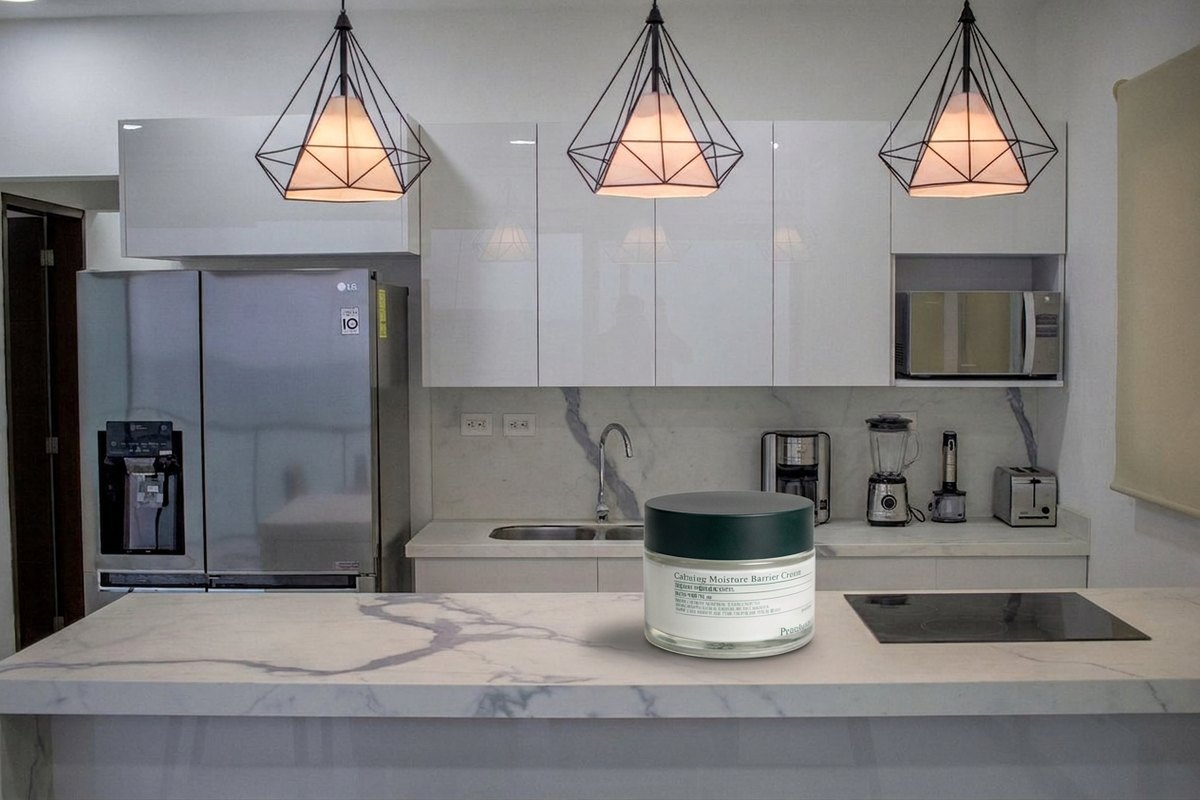
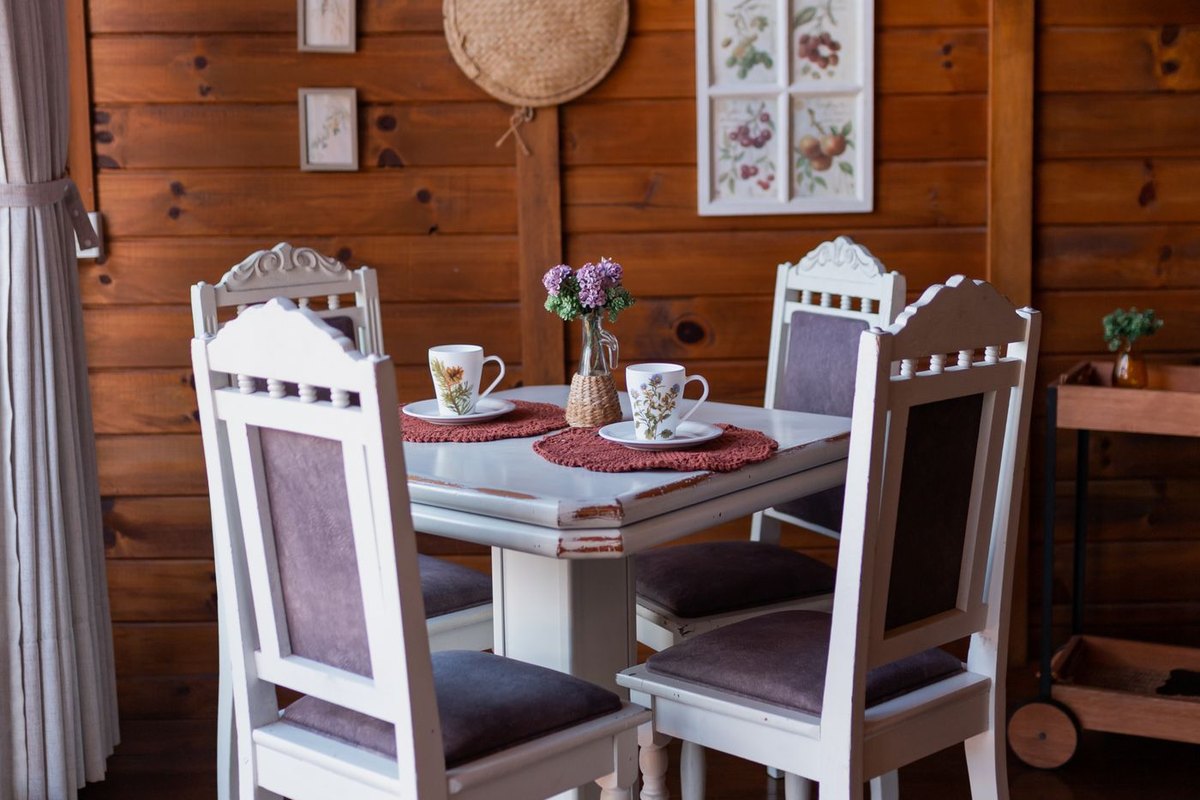
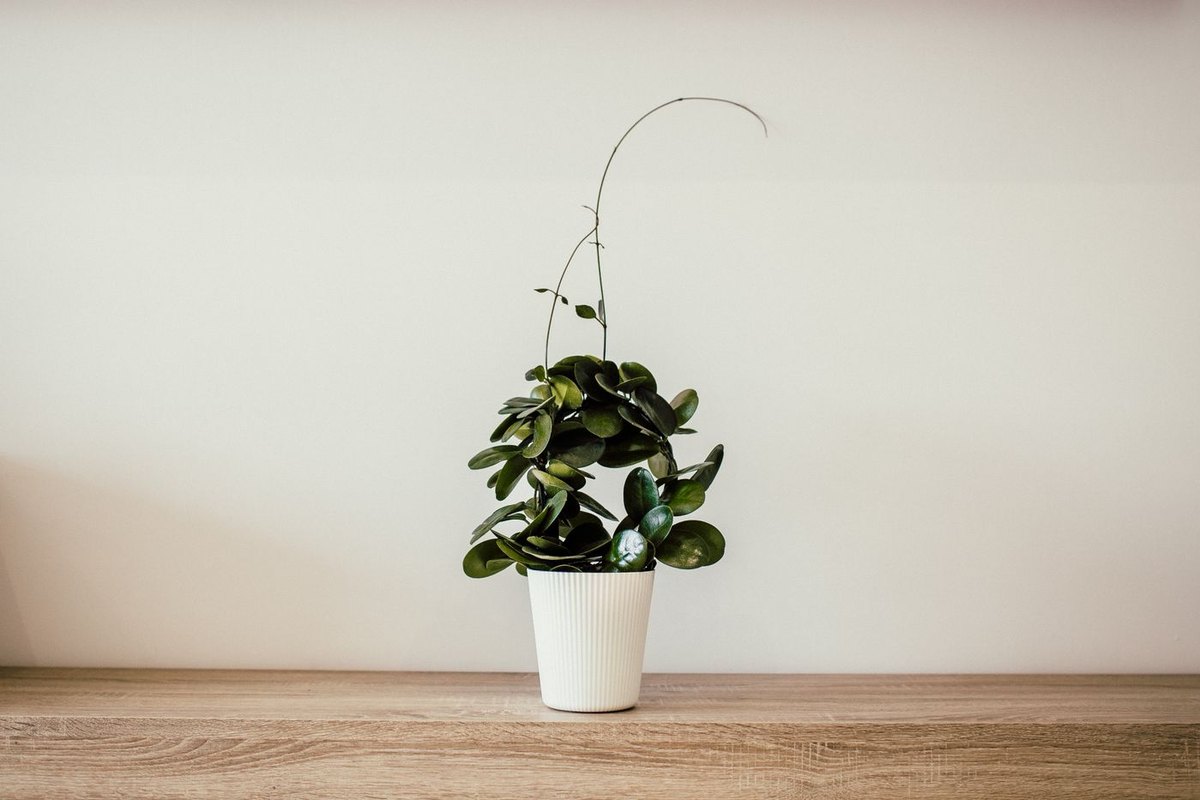
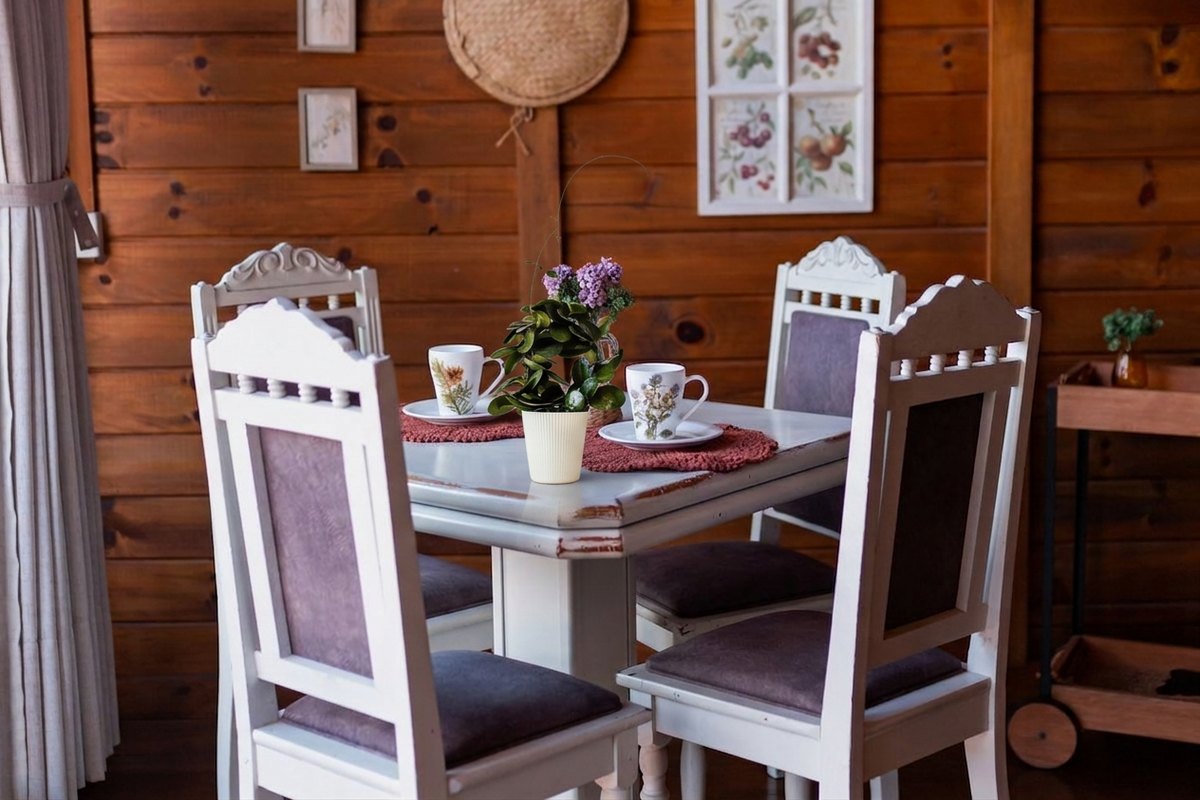
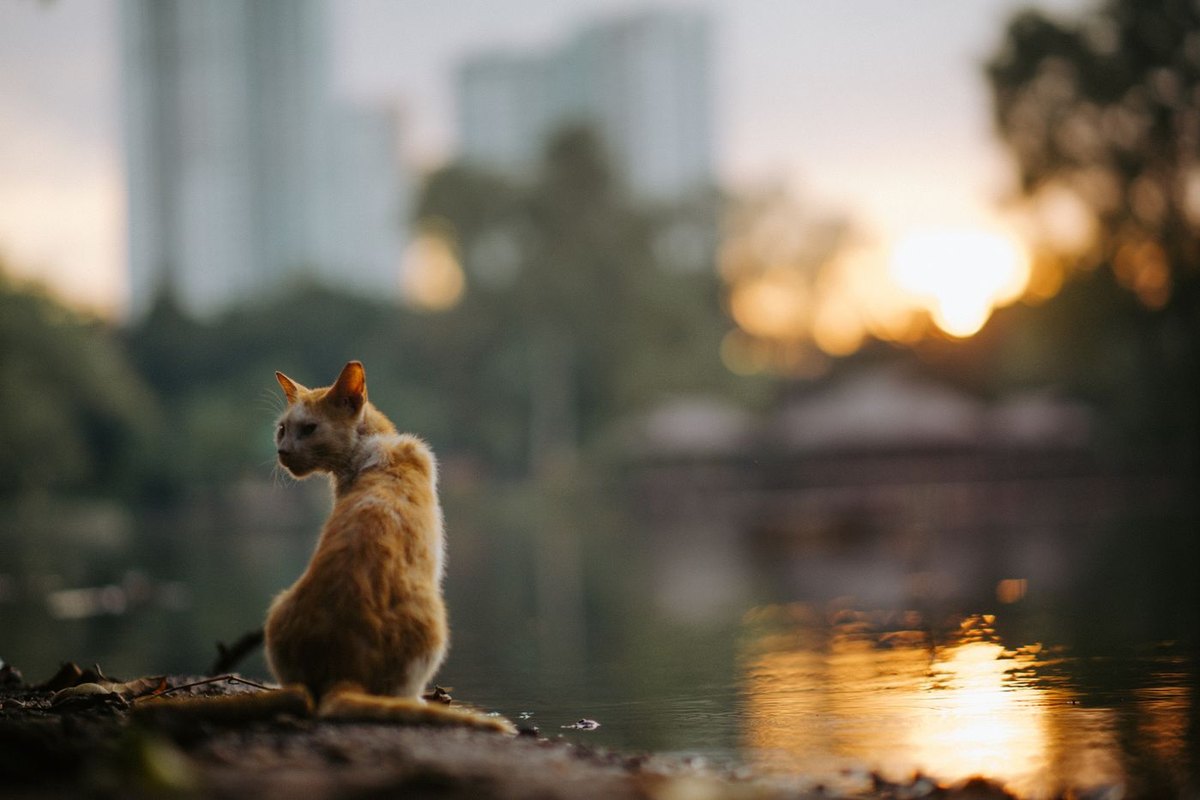
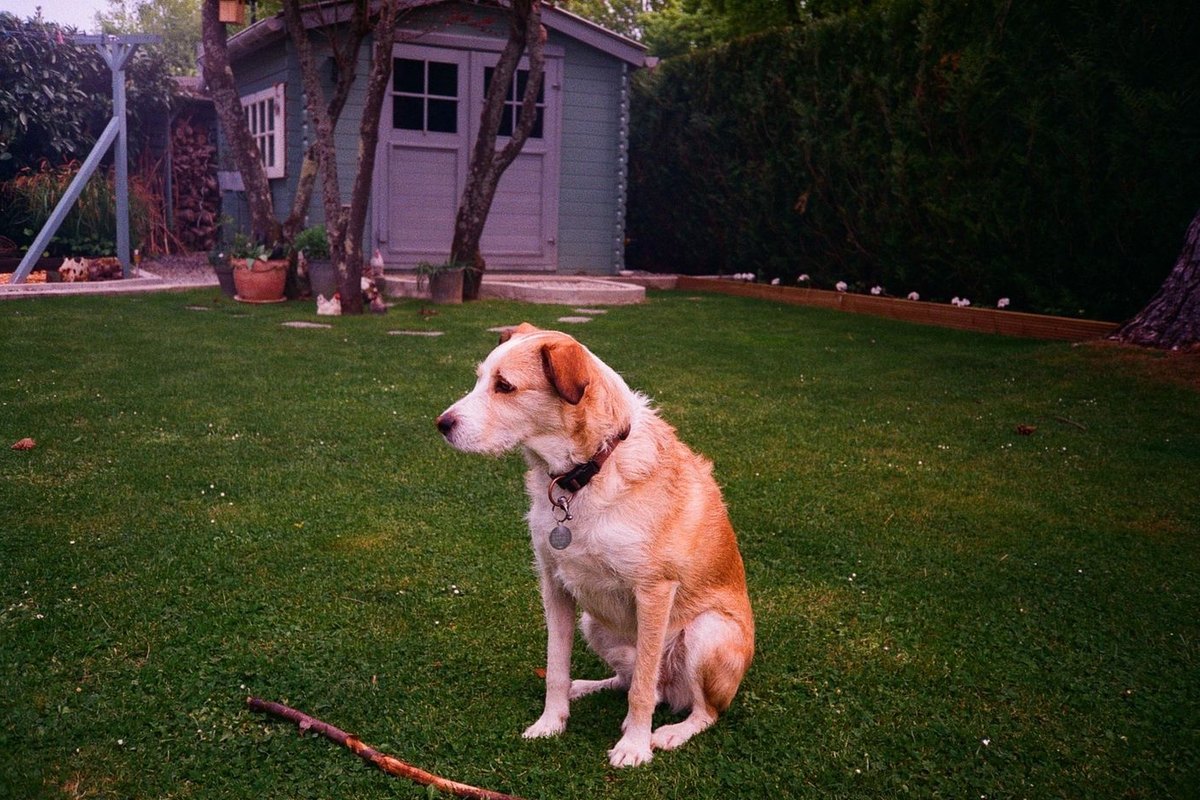
How combining works here
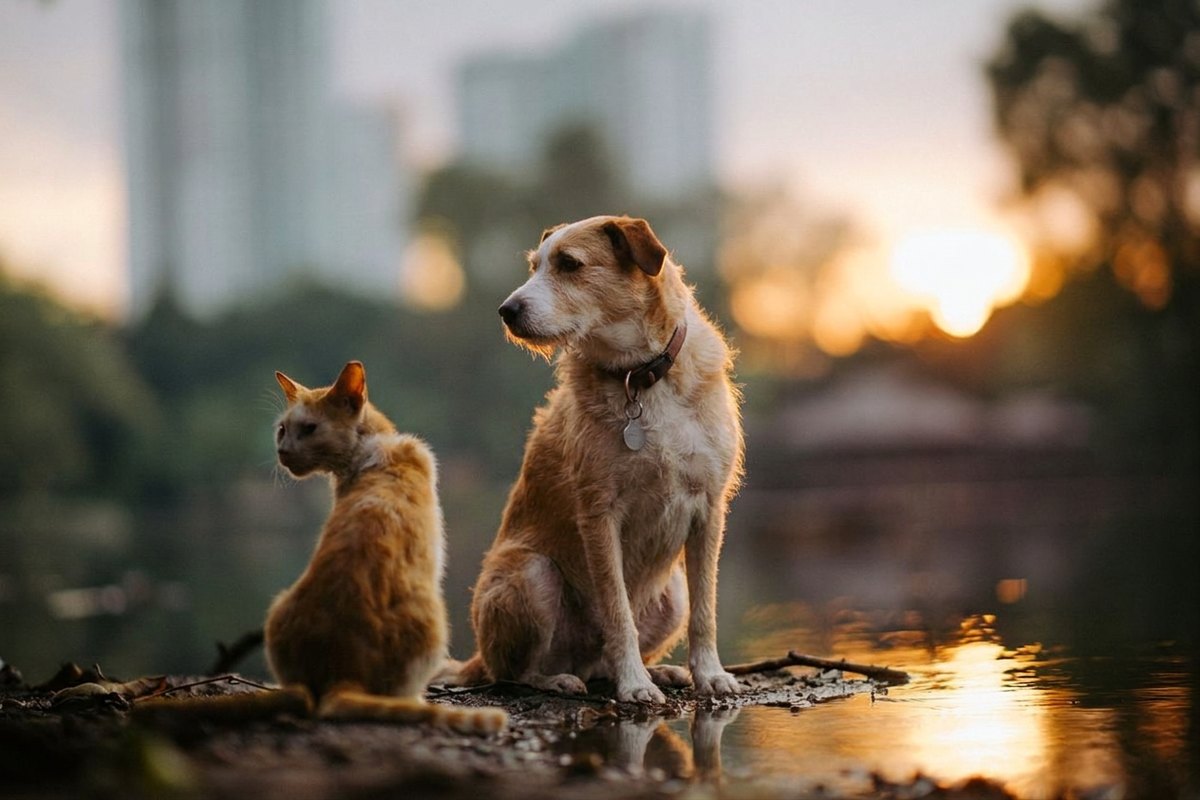
This is not a collage tool. A collage puts pictures beside each other in a grid and leaves the seams visible on purpose; what happens here is that the model reads all of your uploads at once and returns a single photograph in which the things you named are together in one scene, lit by one light. A photo combiner in that sense is not doing layout, it is doing photography — one frame, one light, one perspective, assembled out of the material you handed it.
Order carries meaning. The first picture you upload is the base — its framing, its light and its perspective are what the result keeps — and everything after it is material to be placed into that base. Uploading the product first and the room second gives you a product in a room; the other way round usually gives you a room reflected in a product, which is rarely what anyone wanted.
The instruction does the rest of the work, and it is the part people underuse. Two pictures and no sentence is an ambiguous request, and the model resolves ambiguity by choosing something. Two pictures and "place the vase from the second photo on the table in the first, slightly left of centre" is a brief.
Some people search for how to merge two photos and mean a double exposure — one picture faded over another. That is a different effect and worth naming explicitly if it is what you want, because the default here is a single believable scene rather than a blend.
Putting a product into a setting
The strongest case, and the one worth reaching for first. A product photographed on a plain surface, plus a photograph of the room, kitchen or shelf you want it to live in — the result is the product in that setting, at a plausible size, with the setting's own light falling on it.
It beats describing the setting in words because you are not asking the model to invent a room that resembles your shop; you are giving it your shop. Everything a description would have had to guess — the exact wood, the light through that window, the colour of that wall — arrives as a photograph instead.
Say where the object goes and how big it is relative to something already in the base frame. "Standing on the left of the worktop, about as tall as the kettle" removes the two decisions that go wrong most often, and both of them are decisions the model will otherwise make for you.
People from two pictures in one frame
Two photographs of two people become one photograph of both of them. This works when the two were shot in comparable light and from a comparable angle, and it visibly does not when one is a flash-lit indoor snap and the other is backlit on a beach — the model will place the person, but the join reads as a paste rather than a photograph.
The commonest version of this job is narrow enough to have a page of its own: how to add a person to a photo they were not in, which goes through the second-photograph choice, the framing and the shadow check that particular case needs.
Faces are where to look on any result of this kind. A person carried across from another picture is re-rendered rather than copied, so compare the face at full size against the photograph you took it from, and treat a subtle change of face as a reason to try a different source picture rather than as an acceptable cost.
A garment, an object or a surface onto something else
Putting a jacket from one picture onto a person in another, a pattern onto a plain wall, or a different set of wheels on a car are all the same operation, and they behave the same way: the more the borrowed thing has to bend around what receives it, the more of it the model has to invent.
Flat, frontal and unobstructed is the easy end. A t-shirt design onto a t-shirt shot straight on works well. The same design onto a shirt at an angle with an arm across it means reconstructing the part of the pattern the arm hides, and pattern rarely lines up across a gap.
Small hardware is the tell to check: buttons, zips, buckles, stitching and the hinge of a pair of glasses are what a redraw gets approximately right in a way that looks fine until somebody looks. On a listing photograph, that is the detail a returns request eventually cites.
Writing the instruction that says how they meet
Refer to the pictures by their order — "the first photo", "the second photo" — rather than by describing what is in them. The order is unambiguous and the description may not be.
Say the relationship, the place and the scale in one sentence. Relationship: on, behind, beside, holding, wearing. Place: left, centre, on the worktop, at the back of the group. Scale: relative to something already in the base picture. Those three are the whole brief, and leaving any of them out hands that decision to the model.
Name the light if the two sources disagree about it. "Match the warm evening light of the first photo" is a real instruction and it fixes the most visible kind of failure, which is a subject that is lit from the wrong side of a room they are standing in.
Then change one part and run it again. Combining is more sensitive to wording than a single-photo edit is, because there are more decisions in it, so the second attempt is usually the one that lands and it is worth budgeting a credit for.
Where combining fails
Mismatched light is the first and the most common. Two pictures with different colour temperature or a different direction of shadow can be combined, and the result will look like two photographs rather than one, because it is.
Scale is the second. Without a size cue in the instruction, the model picks one, and an object that is subtly too large or too small is the kind of wrong that reads as fake without a viewer being able to say why.
More pictures is harder, not easier. Two combine reliably; four is genuinely ambitious, and each extra picture is another set of decisions the model has to keep consistent with all the others. If four are not working, combine two, keep the result, and bring the next one into that.
And the honest limit: a combined photograph is a new picture, not a record of a moment. It is the right tool for a listing, a card or a family print, and the wrong artefact entirely for anything anybody is meant to rely on as evidence.
Cost, limits and privacy
Try one 1K Nano Banana 2 Lite photo edit without an account. Sign in to use the rest of your three-image Lite welcome gift. After all three Lite results are complete, receive 40 Nano Banana Pro gift credits for one 1K photo edit on each later UTC day. Daily gifts do not carry over.
A combination counts as an edit of your own photographs, so the result carries no watermark on any tier. Commercial use — a listing, a client's catalogue — is covered from Pro up, and free results are for personal use.
Every upload is deleted the moment processing finishes, all of them, not only the first. The result sits at a temporary link that expires by itself — 1 day anonymously, 7 days with a free account — and no second copy is kept. Each file is capped at 10 MB, in JPG, PNG or WebP.
Questions people ask
How many photos can I combine at once?
Two to four. Two is the reliable case; four is ambitious, because every extra picture is another set of decisions the model has to keep consistent. If four will not come together, combine two and bring the next one into the result.
Does the order I upload them in matter?
Yes, and it is the part people miss. The first picture is the base — its framing, light and perspective are what the result keeps — and the rest are material placed into it. Refer to them as "the first photo" and "the second photo" in your instruction.
Is this a collage maker?
No. A collage keeps the pictures separate in a grid. This returns one photograph in which the things you named share a single scene and a single light. If you want a grid, a layout tool will do it better.
Can I merge two photos of different people?
Yes, and the result is best when the two were shot in comparable light and from a comparable angle. Faces are re-rendered rather than copied across, so check them at full size against the source picture.
Why does the combined picture look pasted together?
Almost always mismatched lighting, or a scale the model had to guess. Name the light you want kept and give a size cue relative to something already in the base photograph, then run it again.
Is the result watermarked?
No. A combination is an edit of pictures you uploaded, and edits are never watermarked here, on any tier including anonymous use.
Can I use a combined photo for a product listing?
Yes, with commercial rights from Pro up; free results are for personal use. Check the small hardware in the result — buttons, zips, stitching — because that is the detail a listing gets challenged on.
What happens to the photos I upload?
All of them are deleted as soon as processing finishes, not only the first. The result lives at a temporary link that expires on its own — 1 day anonymously, 7 days with a free account — and no copy is kept.
Can I put the pictures in a specific order after uploading?
Not yet — the order is the order you added them in, so upload the base picture first. Reordering after the fact is on the list rather than in the product, and saying so is cheaper than letting you discover it.