What the model is doing
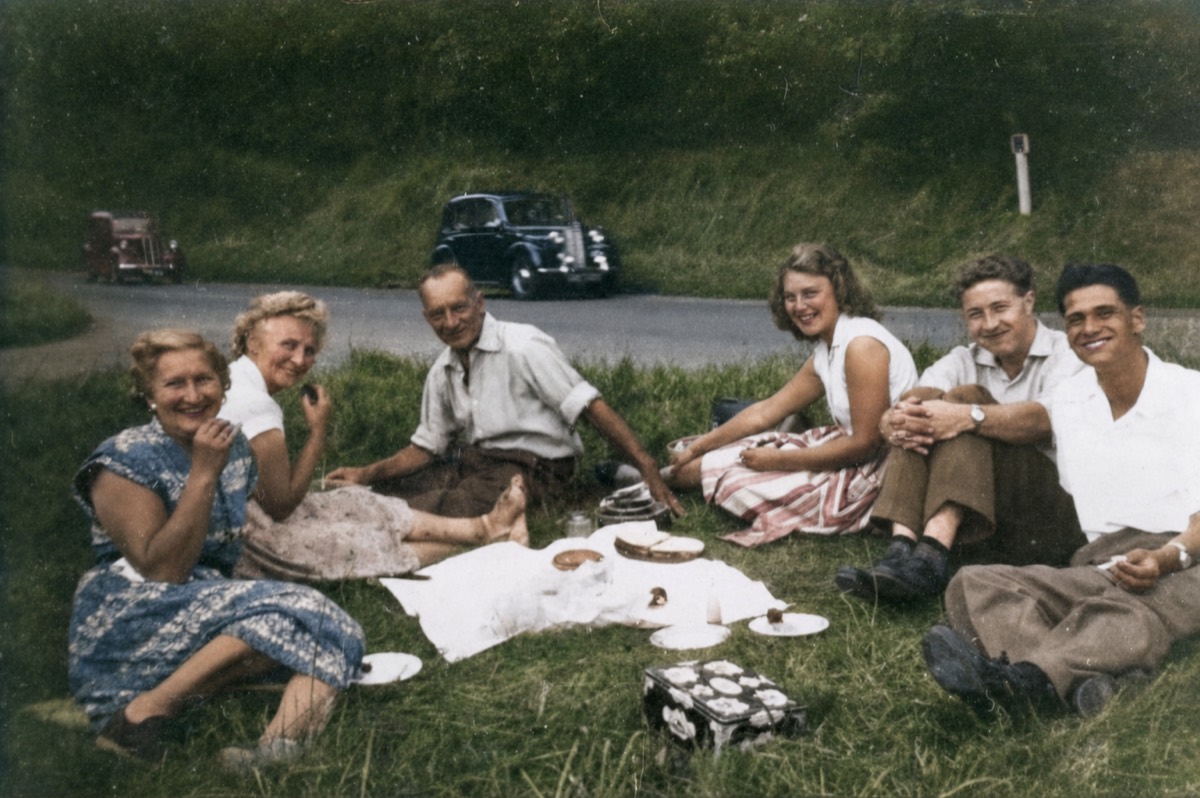
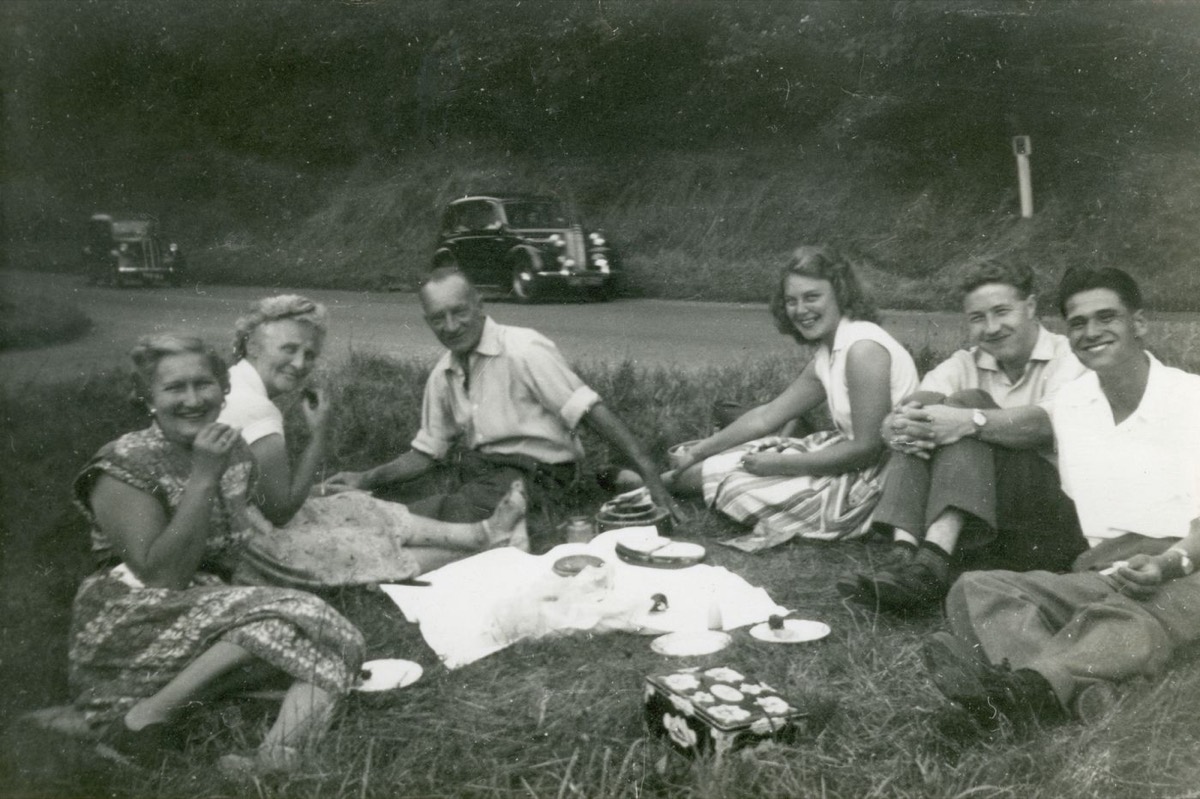
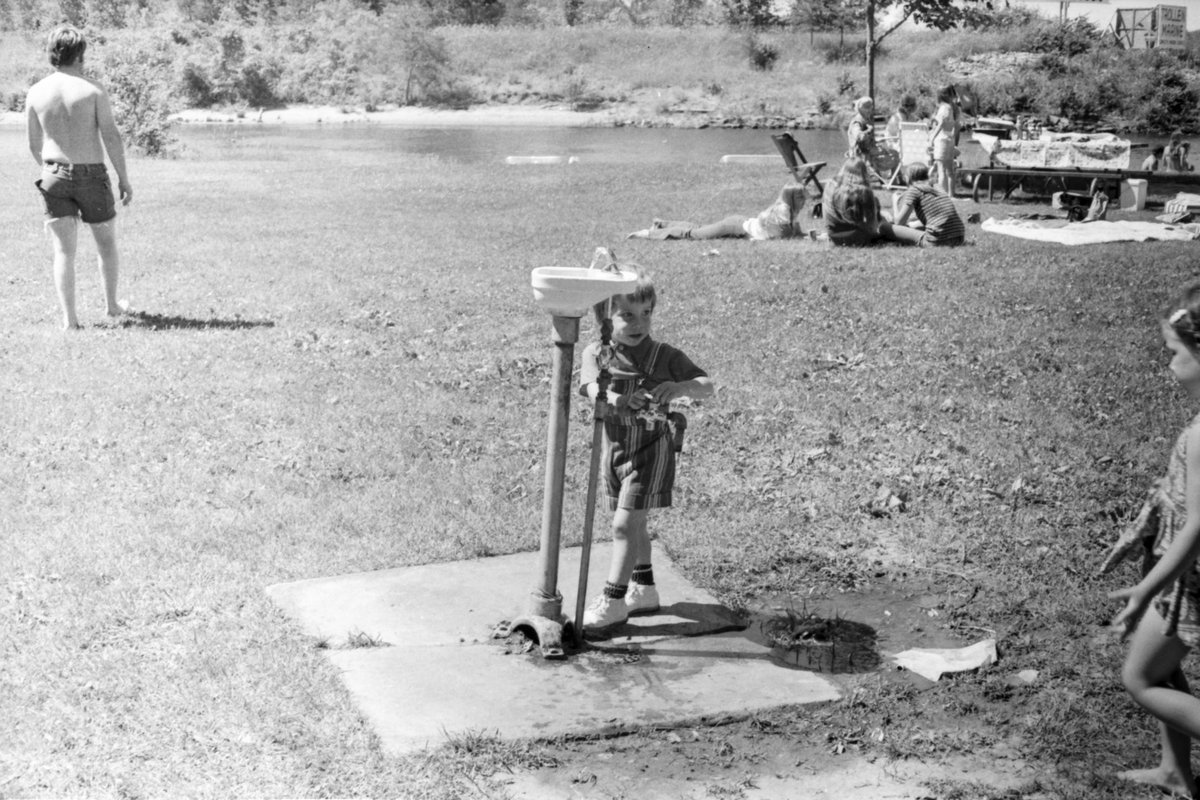
A black and white photograph does not contain colour information. It contains brightness. Colorization is therefore not recovery, it is informed guessing: the model has learned what things of a given shape and texture usually look like, and applies that.
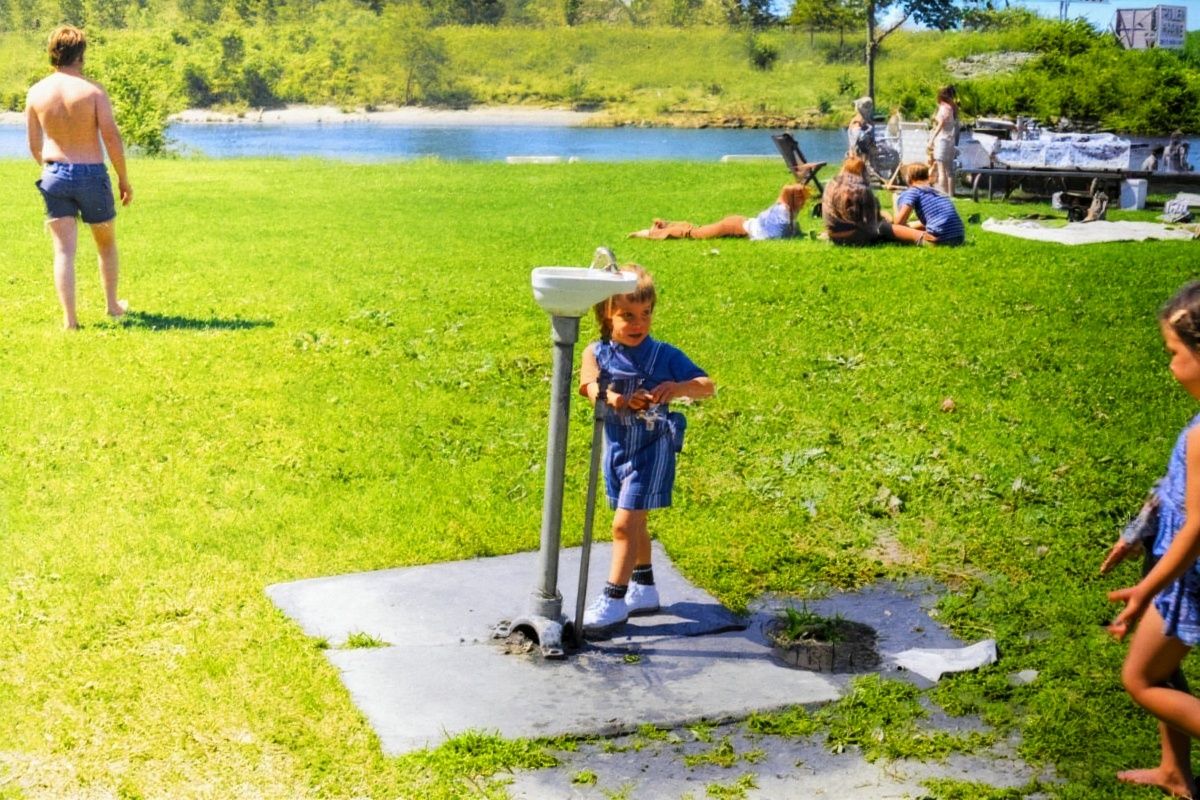
This works better than it sounds, because most of the world is not ambiguous. Skin, sky, grass, wood, brick and skin-adjacent tones like lips and hair fall into narrow ranges, and the model lands on them consistently.
It works worst on anything that could plausibly be several colours. A dress, a car, a painted door, a book cover. Left alone the model picks whatever is statistically common, which is why a surprising number of unguided colorizations come back with a blue dress.
Most of the old photos people bring here to colorize are family prints — if yours needs repair as well as colour, restoration is one link below.
Steering it with what you remember
This is the single technique that separates a good colorization from a generic one, and it costs one sentence. Name the colours you know: "colorize naturally, the dress is dark green and the car is red".
You do not need to describe everything. Fixing the two or three items that matter to you and letting the model handle skin, sky and foliage gives the best ratio of effort to result.
If you do not remember, it is worth asking someone who might before you colorize. A photo coloured wrongly has a way of becoming the version everyone remembers, and the original monochrome stops being consulted.
Restore first, colorize second
If the print is also damaged, do the repair as a separate earlier step. A crease that has not been repaired becomes a coloured crease, and damage confuses the model about what it is looking at, which propagates into wrong colour choices across the whole region.
The sequence that works is: photograph or scan the print, repair the damage, then colorize the repaired copy. Each step is a separate free generation, so a single photo can go through both without an account.
Getting the colours right
Skin tone is where to look first. The model is generally good here but can render everyone in a group at the same tone, which flattens a family photo in a way that is worth catching.
Second, look at anything you have personal knowledge of. This is the part where you can tell the difference between a plausible photo and a true one, and no automated check substitutes for it.
Keep the monochrome original. A colorized photo is an interpretation, and interpretations are better kept alongside the source rather than in place of it.
Which photos colorize best
Outdoor daylight scenes are the easiest. Sky, foliage, stone, water and skin under natural light are all things the model has strong priors about, and a landscape or a garden portrait from the 1940s usually needs no guidance at all.
Studio portraits from the same era are nearly as reliable, with one caveat: formal clothing was frequently black, navy or dark brown, and the model tends toward a generic dark tone that flattens the difference. If you know a jacket was navy, say so.
Interiors are the hardest. Painted walls, upholstery, curtains and wallpaper are all arbitrary, indoor lighting shifts everything toward one cast, and there is rarely enough context for the model to infer anything. These are the photos where naming three or four colours changes the result most.
Very high contrast prints — deep blacks with blown highlights, common in press photography — give the model less mid-tone information to read texture from, and the colour tends to come back flatter. Reducing the contrast slightly with an enhancement pass first can help.
Cost, limits and privacy
Try one 1K Nano Banana 2 Lite photo edit without an account. Sign in to use the rest of your three-image Lite welcome gift. After all three Lite results are complete, receive 40 Nano Banana Pro gift credits for one 1K photo edit on each later UTC day. Daily gifts do not carry over.
No watermark, on any tier. Colorization is an edit of a photo you uploaded, and edits are never marked.
The upload is deleted when processing ends, the result link expires on its own, and no copy is kept. The maximum upload is 10 MB in JPG, PNG or WebP.
Questions people ask
Are the colours accurate?
They are plausible, not accurate. A monochrome photo contains no colour information, so the model is inferring from shape and texture. Naming the colours you remember in the instruction is what makes a result accurate rather than merely believable.
How do I tell it what colour something was?
Say it in the same sentence: "colorize naturally, the dress is dark green and the car is red". You only need to name the things you care about; skin, sky and foliage are handled reliably without guidance.
Should I repair damage before colorizing?
Yes. An unrepaired crease becomes a coloured crease, and damage misleads the model about what it is looking at, which spreads wrong colour choices across the surrounding area.
Can I get the black and white version back?
Only if you kept it. The original upload is deleted after processing, so keep your monochrome file — a colorization is an interpretation and is best stored next to the source, not in place of it.